
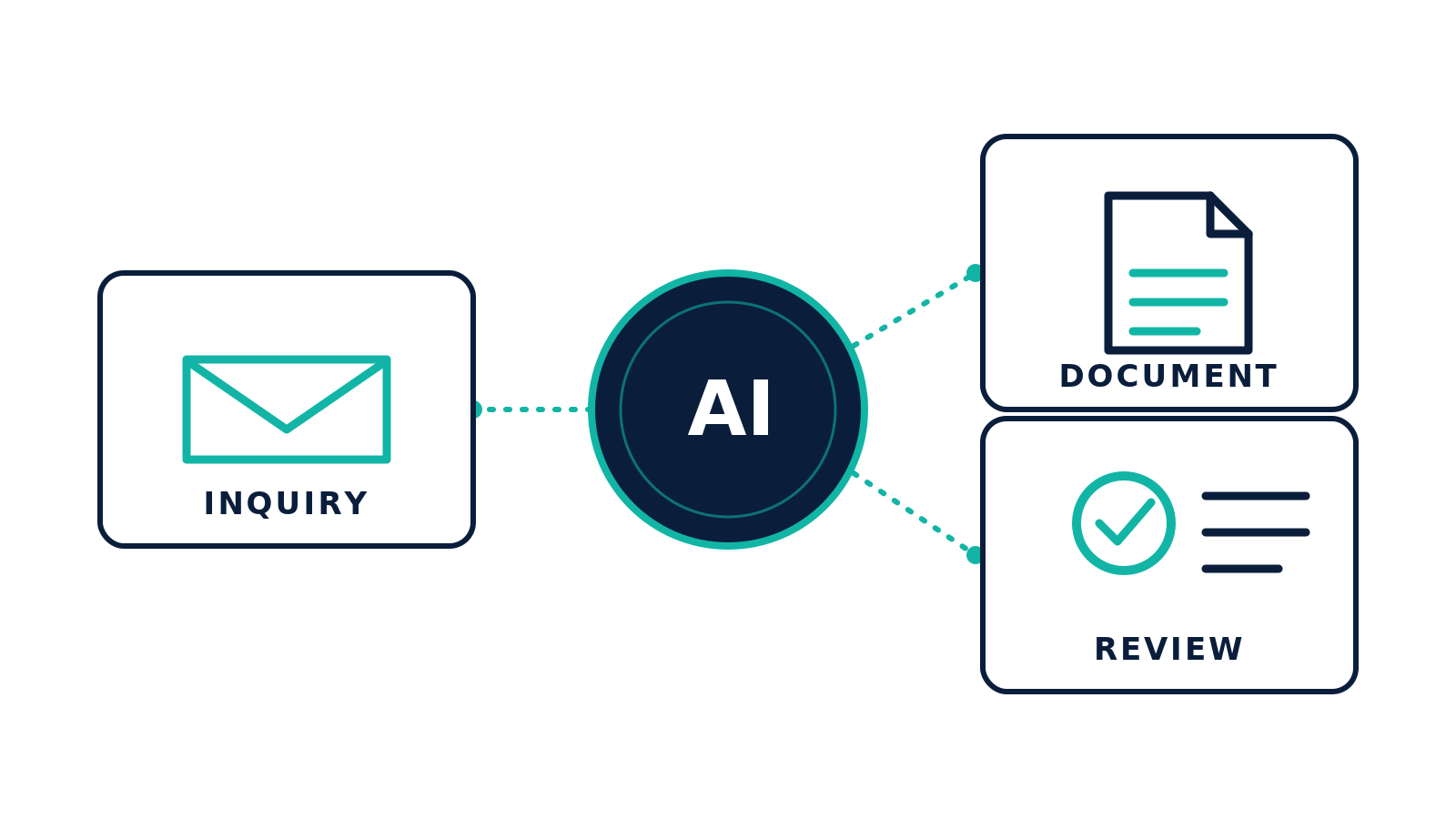
AI automation for small business is most useful when it removes a repeated preparation step while leaving someone accountable for the result. Think of sorting an inquiry, extracting details from a document or drafting a reply, not handing your whole operation to an unattended bot.
For small and medium-sized enterprises, the practical question is which workflow becomes easier to run and measure. Here are five everyday examples, the checks each needs and a simple pilot plan.
AI automation for small business versus ordinary business rules
A rule sends a form submission to the right inbox. AI may help interpret a free-text request, extract information or prepare a draft.
Many useful workflows combine both. If a fixed rule solves the problem reliably, start there; adding AI creates testing and maintenance work.
The U.S. Small Business Administration’s AI guidance offers an introduction to business applications. Your own process, available data and platform permissions still determine what is feasible.
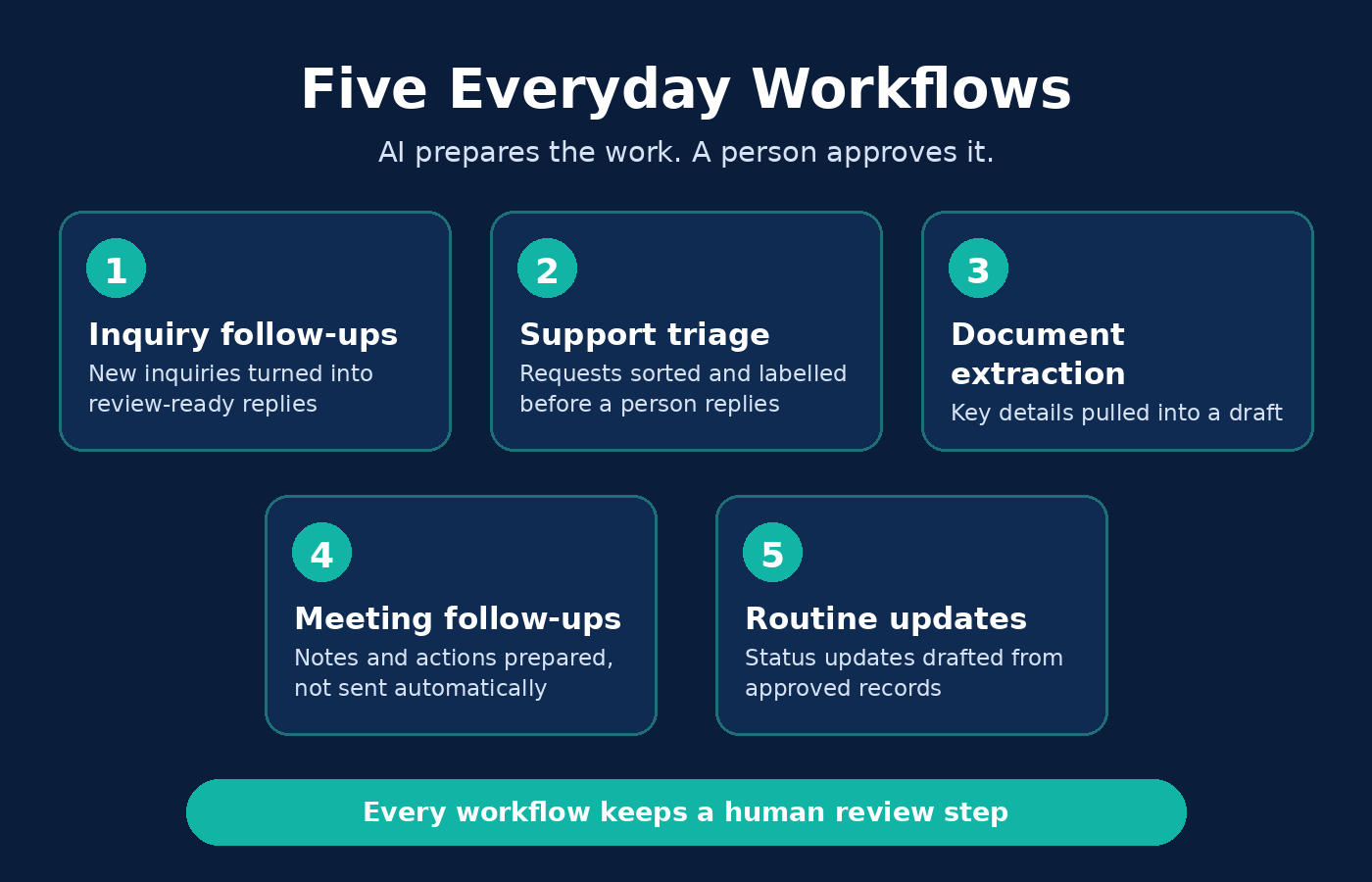
Five everyday workflows where AI prepares the work and a person approves it.
1. Turn inquiries into review-ready follow-ups
Hypothetical example: a small maintenance company receives requests through a website form and email. Staff repeatedly copy the location, service request and preferred time into a customer record.
An AI-assisted workflow can extract those details into a draft record, flag missing information and prepare a response using approved service information. A person checks the request before confirming availability or sending a quote.
Keep the original message beside the extracted fields. Do not let the system invent missing details. Match existing customers before creating records, and use duplicate protection so a retried request does not create two follow-up tasks.
Measure time spent reviewing each inquiry, incorrect fields and missed follow-ups. Faster drafting is not useful if staff spend longer correcting the result.
2. Triage support requests before a person replies
A shared support inbox can accumulate billing questions, product issues and routine information requests. AI can suggest a category, summarize the issue and draft a response grounded in approved help content.
Start with suggestions rather than automatic closure. Route complaints, unclear requests and sensitive issues to a named owner. Preserve the customer’s wording so a summary does not hide an important detail.
This can work behind an inbox or alongside a chatbot. The interface does not define the workflow. For customer conversations, our guide to automation and human handoff explains where your team should remain involved.
3. Extract document details into a draft record
Hypothetical example: an operations team receives supplier documents in several layouts. Instead of copying every field manually, a document workflow extracts a supplier name, reference number, date and amount for review.
Validate required fields and calculations separately from the model’s interpretation. Keep a link to the original document, check for duplicates and send unreadable or conflicting records to an exception queue.
Extraction is not approval. Do not treat a plausible-looking amount as verified, or let a document parser authorize a payment. Financial decisions need the business’s existing controls. Measure accepted-without-correction records and correction time, not just how many documents the system processed.
4. Prepare meeting follow-ups without sending them automatically
With participants informed and recording permitted, an assistant can turn an approved transcript into proposed action items: task, owner, due date and source passage. A meeting lead checks names and commitments before tasks are created. If no deadline was agreed, the draft should say so rather than choose one. External messages and customer commitments should remain subject to approval.
Platform access, transcription quality and your organization’s recording policies affect this workflow. Avoid importing unnecessary personal or confidential information merely because a tool can accept it.
5. Draft routine updates from approved business records
A small agency might prepare a weekly project update by checking an existing task system and summarizing completed work, blockers and decisions needed. Use defined sources and a clear reporting period. Require references to underlying records, and distinguish completed tasks from planned work. A person should confirm the summary before sending it to a client.
This is useful when the information already exists but assembling it is repetitive. If the source records are incomplete, automation will not repair the missing project management.
Design the review and exception path first
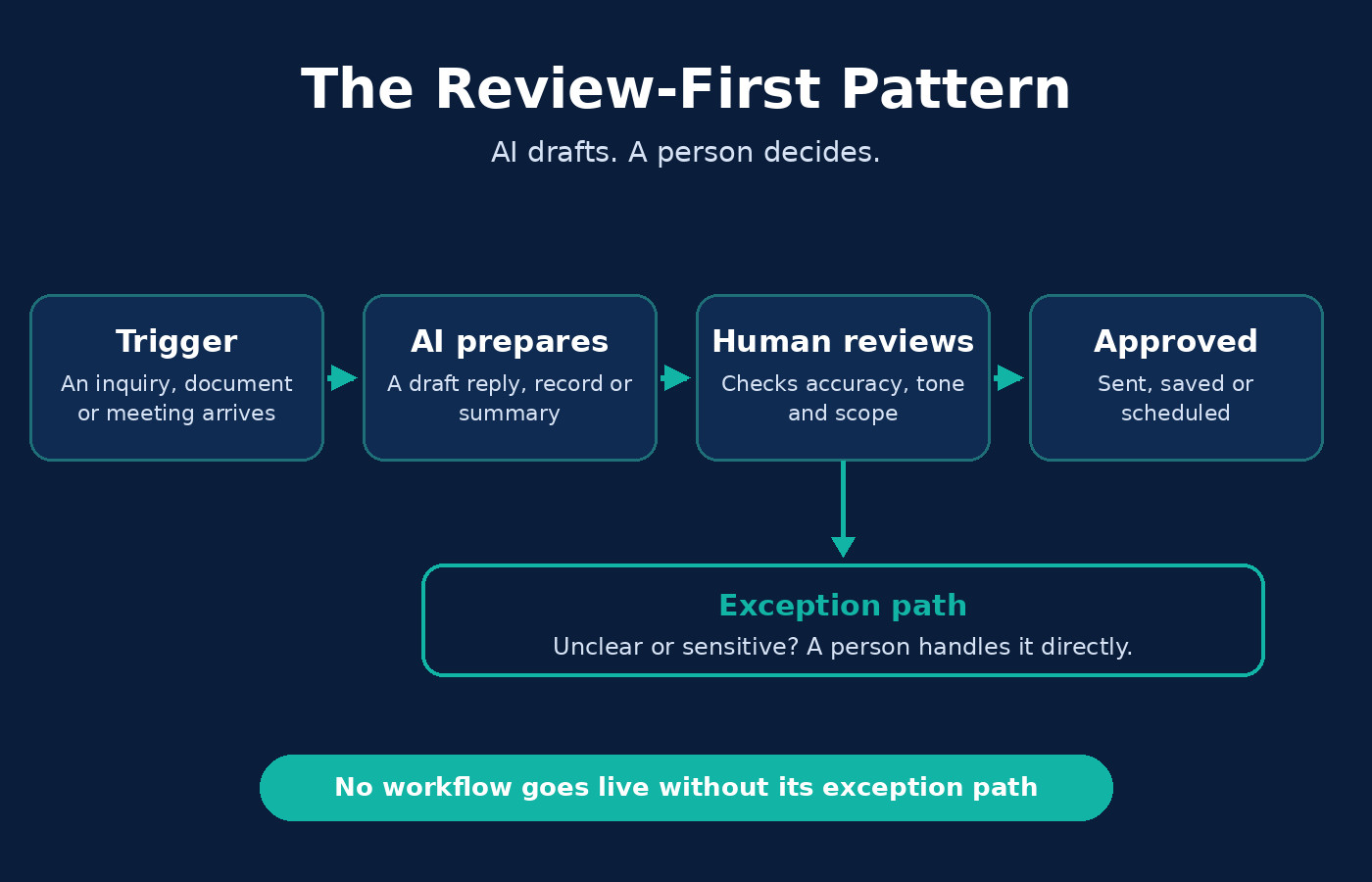
The review-first pattern: AI drafts, a person decides, and exceptions go straight to a human.
For every workflow, write down what starts it, which information it may read, what it may prepare and which actions need approval. Assign an owner for failures and ongoing updates.
Keep access limited to the task. Decide what is logged, who can read those logs and how long information is retained. Test unusual inputs, missing fields, duplicate submissions, unavailable integrations and requests that fall outside scope.
NIST’s AI Resource Center provides risk-management resources, including a generative AI profile. A small business can use that as a reference without pretending a checklist alone establishes security or compliance.
Measure a pilot using net time saved
Use a recent sample of real work to establish a baseline, then compare similar cases during the pilot. Include review and correction time.
Illustrative calculation, not a forecast: suppose 200 requests previously took six minutes each. If preparation takes one minute and human review takes two, the difference is three minutes per request, or ten hours across the sample.
Subtract setup, maintenance, exception handling and any additional correction time before deciding whether the workflow pays off. Track turnaround time, error rate, exception volume and customer outcomes alongside hours. Agree what would justify expanding the pilot and what would make you pause it.
What to prepare before speaking to a development team
- One workflow with a clear beginning and end.
- Representative examples, including difficult cases.
- The tools involved and whether integration access is available.
- Approved information sources and permission boundaries.
- A reviewer and an owner for failures.
- A baseline and a measurable success criterion.
If you are still deciding which project deserves attention, read how to choose your first AI automation project. That decision comes before connecting more tools.
Frequently asked questions
Does every automation need AI?
No. Predictable tasks with structured inputs may be better handled by ordinary rules. Use AI where interpreting language or preparing variable content adds enough value to justify review and testing.
Can an SME use its existing software?
Often that is the sensible starting point, but feasibility depends on available APIs, account permissions, data formats and integration limits. Confirm access before committing to a solution.
Should we buy an existing tool or build a custom workflow?
Try existing software when it fits your process and access requirements. Custom development becomes more relevant when you need a particular combination of systems, permissions or review steps that available tools cannot adequately support.
How much will AI automation cost?
There is no useful universal price. Scope, integrations, data preparation, usage charges, testing and ongoing support all matter. Ask for both implementation costs and recurring operating costs.
Start with a workflow you can supervise
A useful AI business workflow makes a specific task easier without hiding mistakes or accountability. Choose one repeated preparation step, keep the reviewer visible and measure the result before expanding.
DevxerTech can help assess practical AI assistant and automation development around your business tools and information. Bring a sample workflow for AI automation for small business and the bottleneck you want to remove so the discussion starts with your operation, not a product label.

