
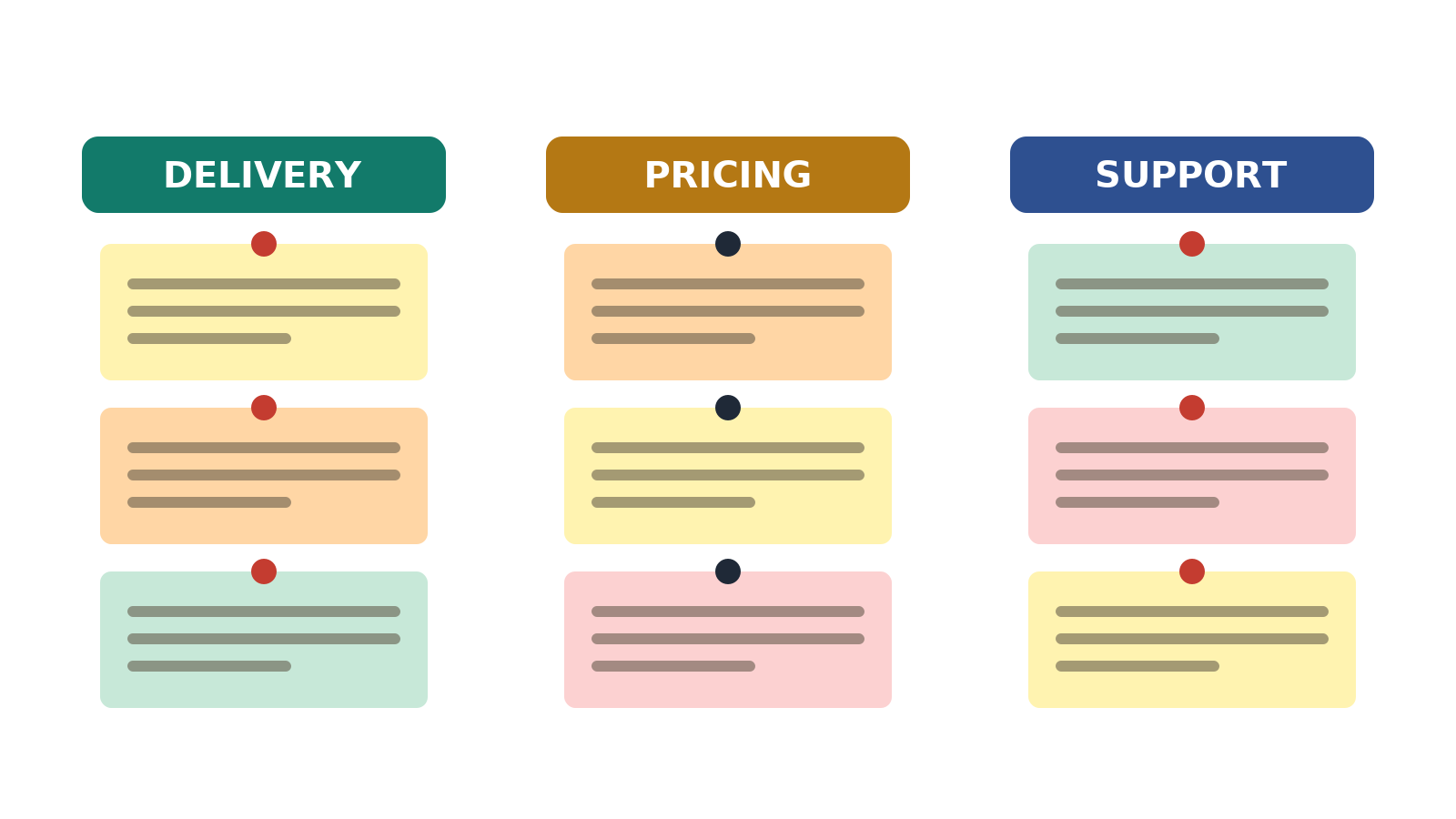
A customer writes that delivery was late. Another says the price was unclear. A third praises the support team, then adds a complaint.
Each comment on its own is easy to read. Together, they are hard to hold in your head, and that is where AI customer feedback analysis for small business helps.
It groups similar comments, so you can see which themes repeat and which ones need an owner. This guide shows a simple way to do that well: collect, group, check, then act.
Start with the comments you already have
Most small businesses already hold the raw material: survey answers, review sites, support chats, and email replies. Gather them in one place before you group anything. A theme built from half the comments will mislead you.
Keep the source with each comment. When a theme looks odd, you need to read the original words.
Remove names, email addresses, and order numbers before the comments leave your team. Anonymised examples protect customers and keep the work honest.
Group comments into themes, not labels
A theme is a repeated idea in the customers' own words, such as late delivery or unclear fees. Start with a short list of themes from your own reading, then let the tool sort the rest under them.
Check a sample from each theme by hand. If a comment does not belong, move it and note why.
Watch for themes that mix two problems. Split them, or the action that follows will be vague.
Do not trust a theme because a tool scored it highly. Read the comments inside it first.
Check sentiment by hand before you act
Sentiment scores look precise, but they are guesses. A short comment can read as angry when it is only blunt.
Read a spread of comments in each theme: the newest, the longest, and a few at random. Note where customers disagree. One theme can hold praise and complaint at the same time.
Do not quote accuracy figures for a sentiment tool unless you have tested it on your own comments. Untested claims mislead the team. Our guide to AI email triage for small business shows how to sort incoming messages before they reach the feedback pile.
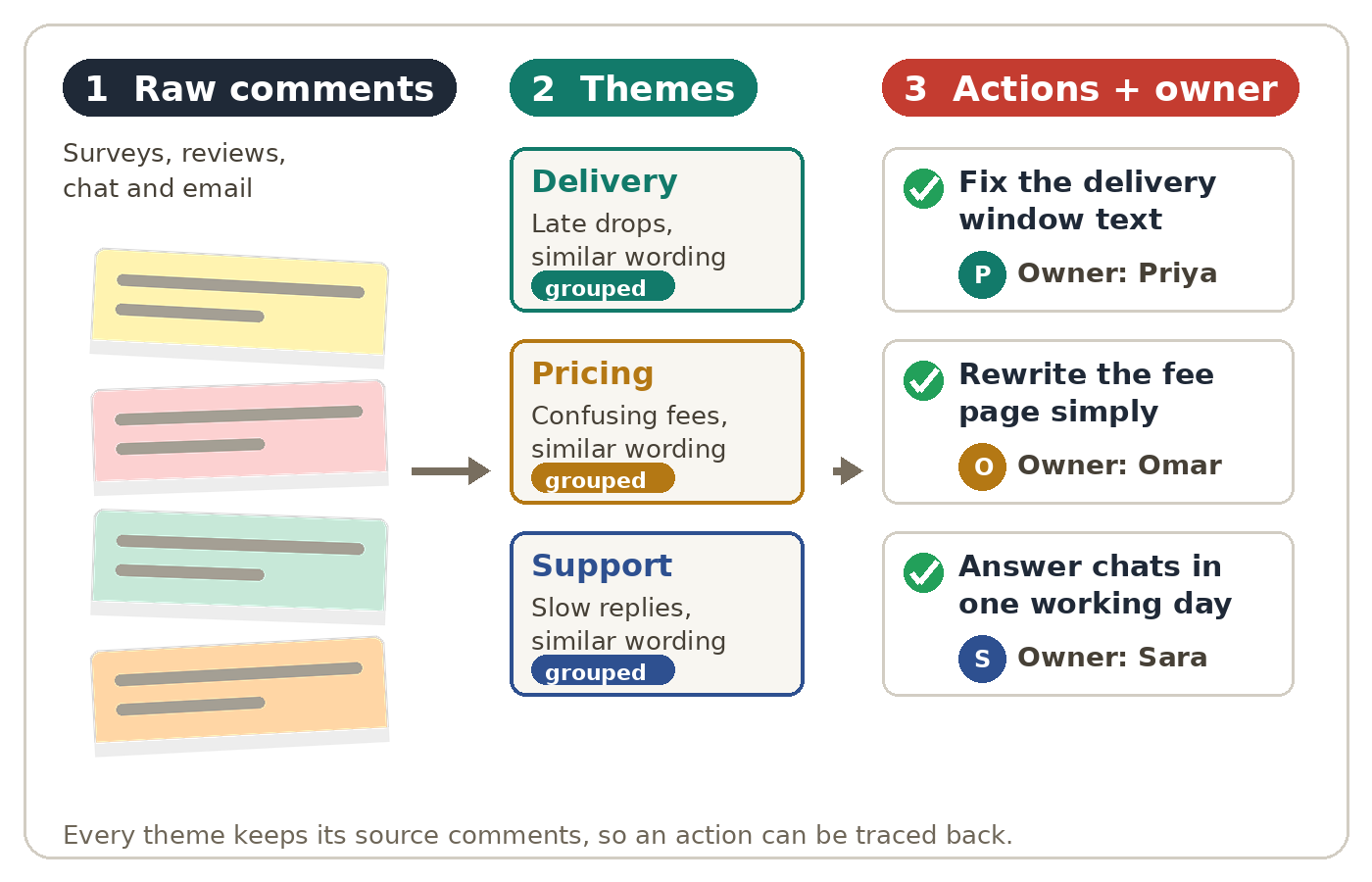
From raw comments to themes to actions: group first, then give each theme one action and one owner.
Turn each theme into one action with an owner
A theme without an action is only a report. Give each theme one next step and one named owner.
Write the action in plain words, such as rewrite the delivery window text on the checkout page. Set a date to check whether the change helped. A theme that never gets reviewed will keep growing.
Share the action back with the team that owns it. The person who answers chats should see what customers asked for.
A short checklist: AI customer feedback analysis for small business
- Comments gathered. Surveys, reviews, chats, and email are in one place with sources kept.
- Personal details removed. Names, emails, and order numbers are stripped before analysis.
- Themes checked by hand. A sample from each theme was read, and misplaced comments were moved.
- Sentiment treated as a hint. No accuracy figures are quoted without a test on your own comments.
- Actions owned. Each theme has one action, one owner, and a review date.
- Examples anonymised. Representative comments are labelled illustrative, with no customer identified.
Frequently asked questions
How many comments do we need before themes are useful? A few dozen comments can show the first themes, but a small set can also mislead. Start with what you have, and re-check the themes as more comments arrive.
Can AI replace reading customer comments? No. AI can group comments fast, but a person still needs to read a sample, spot mixed themes, and decide the action.
Should we reply to every comment we group? No. Reply where a reply helps the customer. Use the themes to fix the cause, not to answer each comment twice.
A practical takeaway
Themes turn noise into work. Group the comments, check them by hand, and give each theme an owner.
Start with one channel, such as support chat, and one theme. When AI customer feedback analysis for small business works there, add the next channel. If you want a feedback workflow built around your channels, themes, and owners, talk to DevxerTech AI services about a setup that fits the way you work.

