
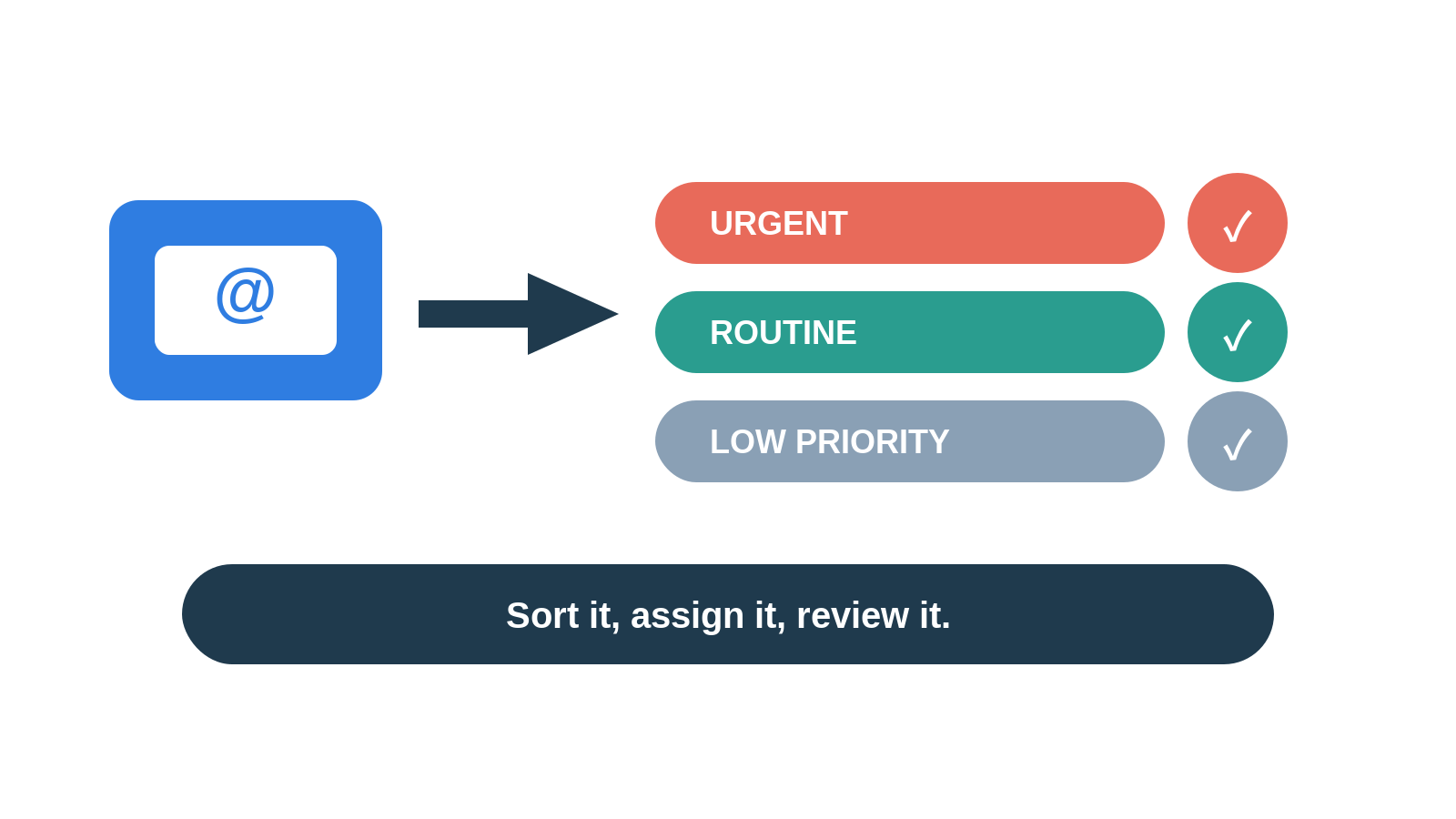
A shared inbox is not a filing cabinet. It is a queue of decisions, and every unread message is a decision waiting for an owner.
AI email triage for small business sorts that queue, assigns each message, and leaves the sending decision with a person. This guide is for small business owners and shared-inbox managers who open the same inbox each morning and wonder what matters first.
The direct answer is this: sort narrowly, assign one owner, and review before sending. Triage saves time only when people stay in charge.
Your inbox is a queue, not a pile
Most shared inboxes mix five kinds of mail. New enquiries, booking changes, invoices, complaints, and noise all arrive in one list.
Reading in arrival order treats them as equal. A complaint from yesterday waits behind a newsletter from this morning.
Triage changes the order. Urgent mail reaches its owner first, routine mail waits its turn, and noise leaves the queue.
Sort first, and sort narrowly
Start with a short category list. Eight clear categories beat thirty fuzzy ones that no one can tell apart.
Use categories your team already uses. New enquiry, booking change, support question, invoice, complaint, supplier, internal, and noise cover most inboxes.
Give each category one test. A booking change mentions a date and an existing booking. A complaint mentions a problem and expects a response.
Let the system read meaning, not only keywords. A message asking to move Thursday is a booking change, even without the word reschedule.
Keep the original message in the shared inbox. Sorting must label and route, never delete, so a mistake can be undone.
Assign one owner to every message
Every message gets one owner and one deadline. Shared ownership means no ownership, and the message waits for someone else.
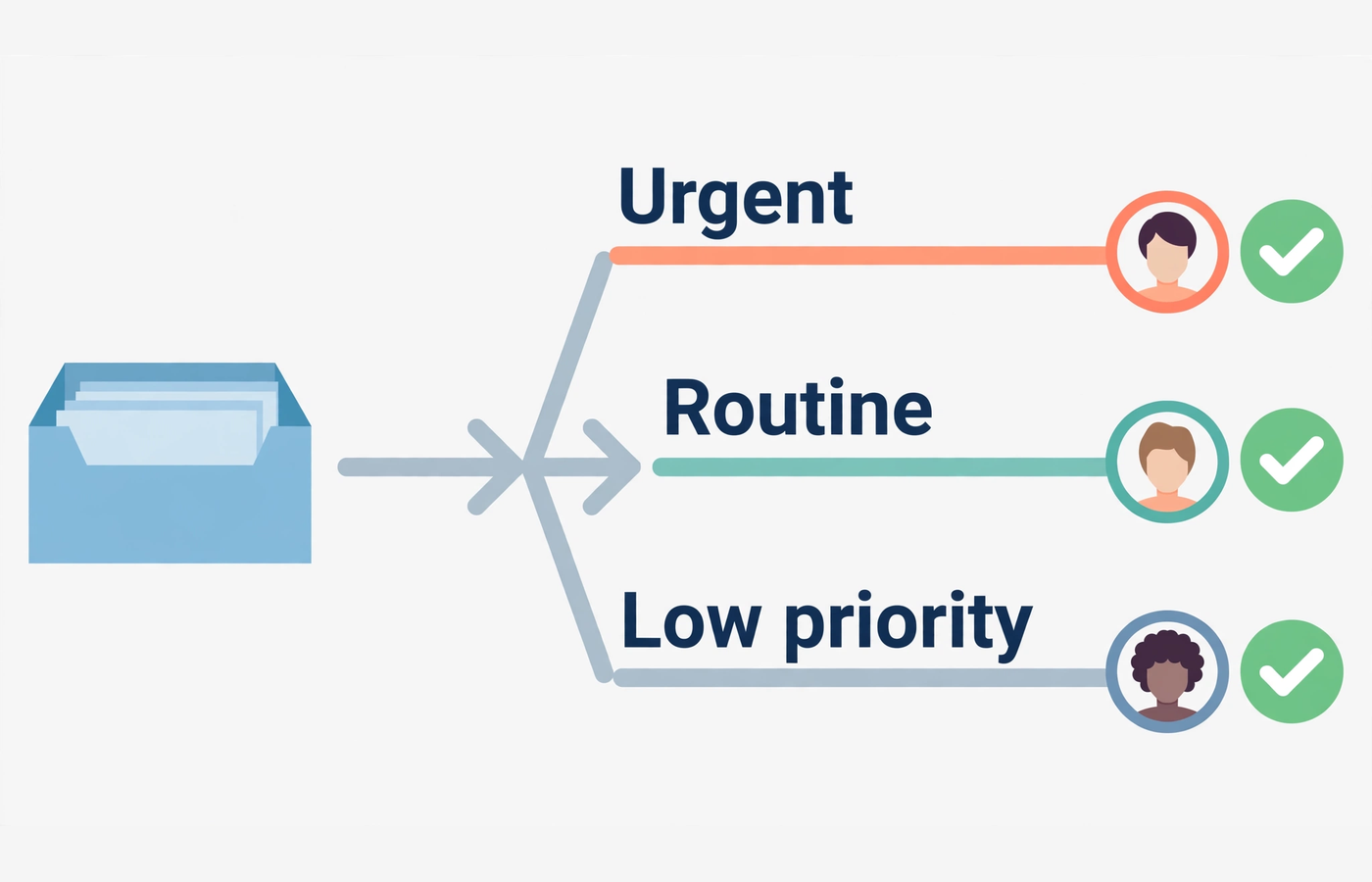
Triage in three lanes: urgent, routine, and low priority, each with a named owner and a review step.
Match the owner to the category, not to whoever is online. Sales owns enquiries, operations owns booking changes, and finance owns invoices.
Name a backup for absence. The backup rule matters most on Mondays, holidays, and sick days, when the queue is longest.
Show the owner, the deadline, and the last action in one view. If staff must open five folders, the queue will drift again.
Review before anything is sent
Drafts save time. Auto-sending saves more time and creates more risk, so keep the send button with a person at first.
Review drafts against your own facts. Prices, policies, and booking rules come from approved sources, not from the draft itself.
Approve in the thread, not in a separate chat. The approval, the draft, and the reply stay together for the next person.
Log every decision. Category, owner, draft, and outcome give the weekly review something real to improve.
Handle the risky messages by hand
Some messages must skip automation. Payment changes, account changes, legal threats, and angry complaints go straight to a person.
A banking change request is the classic trap. Verify it by calling a known number, never by replying to the message itself.
Treat personal data with care. Give the system access only to the shared mailbox it needs, and nothing wider.
If a message looks wrong, pause it. A delayed reply costs less than a confident reply to a fraud attempt.
Start in read-only mode, then widen
Week one is observation. The system sorts in read-only mode, and staff compare its labels with their own sort.
Week two adds routing. Messages move to owners, drafts stay separate, and nothing is sent without review.
Later weeks add drafts for approval. Auto-send only for narrow, low-risk categories that the review has already measured.
Review errors weekly. Fix the category, the rule, or the example that caused the error, and test the change on the next batch. For what happens once an enquiry is qualified, see our guide to AI lead qualification for service businesses, which covers what to ask before handoff.
AI email triage for small business: a short setup checklist
- Categories agreed. Eight or fewer, each with a plain test staff can apply.
- Owners named. One owner and one backup per category, with deadlines.
- Review rule set. Drafts are approved in thread, and nothing auto-sends at launch.
- Risky lane defined. Payment, account, legal, and complaint messages go straight to a person.
- Read-only week done. Labels were compared with the human sort before routing began.
- Weekly review booked. Errors are fixed one at a time, with the change tested.
Frequently asked questions
Will clients know AI sorted their mail? Only if you tell them. Replies are approved and sent by your staff, so the client experience is a faster, correct reply.
What if it routes a message wrongly? Nothing is lost, because the original stays in the shared inbox. Correct the label, fix the rule, and check it at the weekly review.
Do we need new email software? Usually not. The system connects to the mailbox you already use, with access limited to that shared address.
A practical takeaway
Good triage is boring in the best sense. Every message sorted once, owned by one person, and reviewed before it leaves.
Start narrow, measure the sort, and widen slowly. That is how AI email triage for small business clears the inbox without handing the business to a machine. If you want a triage workflow built around your inbox, categories, and team, talk to DevxerTech AI services about a setup that fits the way you work.

