
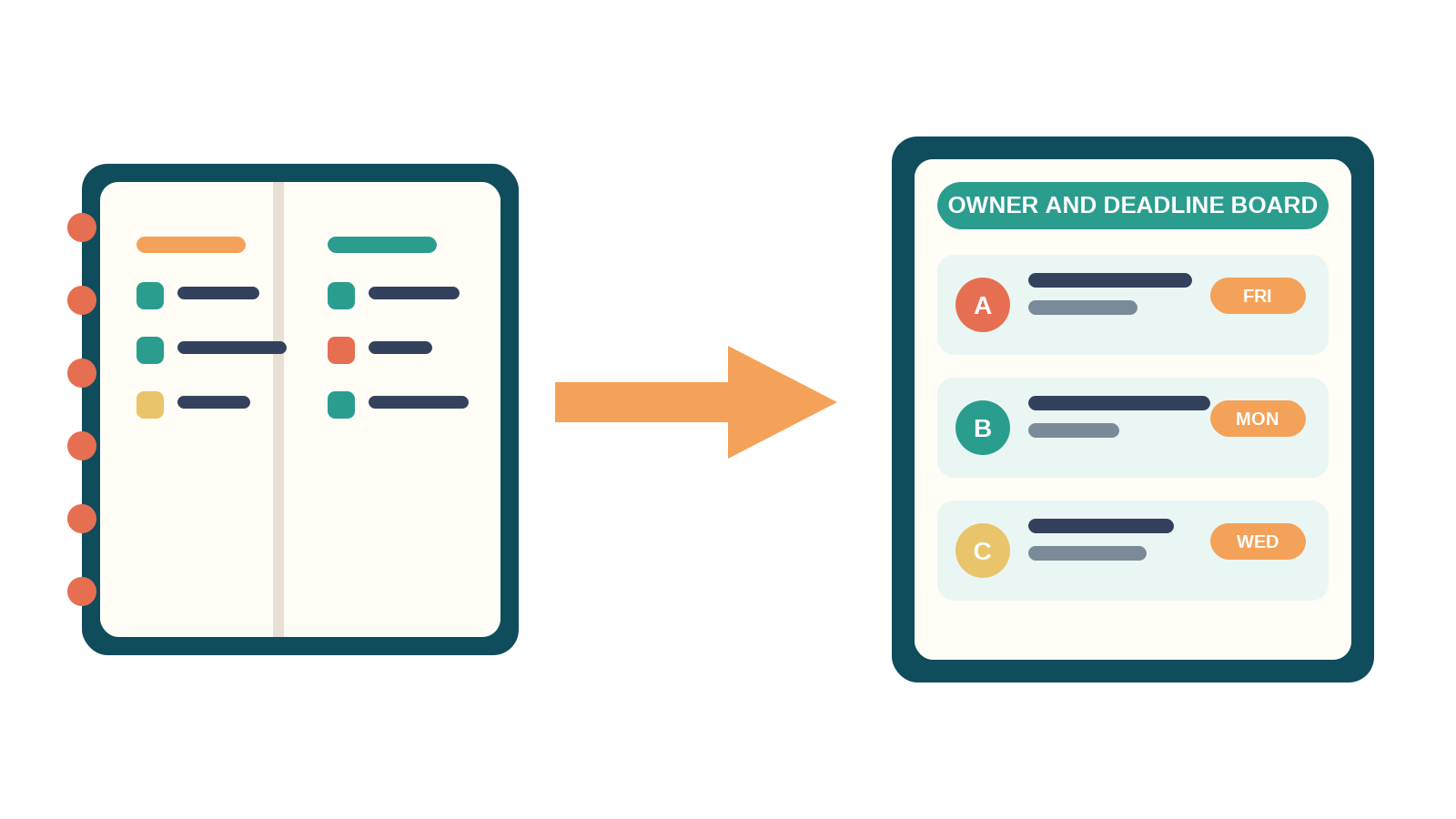
The meeting ends, and everyone leaves with a different memory of who agreed to do what. AI meeting action items turn that shared memory into a list with one owner and one date per item, so follow up starts from the notes instead of from memory.
This guide is for managers of small teams who follow up after meetings and want fewer loose ends between one meeting and the next. The direct answer is this: capture the notes, let the tool suggest the items, and let a person confirm each one before it becomes a commitment.
Why action items go missing after meetings
Most meetings end with notes, but the notes rarely name one person per task. A task owned by everyone is owned by nobody.
Tasks also scatter. Some live in chat, some in email, and some only in memory, so nobody has one list to check before the next meeting.
That is the gap this workflow closes. The notes stay the source, and the board becomes the single list the team checks.
Tell people before you record anything
Say at the start of the meeting that an AI notetaker is running, and put the same note in the invite. People should know before they speak, not after.
Give anyone the chance to say no. If someone declines, take typed notes instead, and keep the recording off for that meeting.
Rules differ by place. Some places need every participant to agree before a recording starts, so check the rules where your team meets.
Keep some meetings off the record entirely. HR talks, legal matters, and anything under a confidentiality agreement should never go through a notetaker.
From notes to a board in four steps
Capture the meeting in the tool your team already uses. A transcript from your call app or typed notes in a shared doc both work as the source.
Let the tool pull out suggested items. Each suggestion should carry a task, a named owner, and a date, with the note it came from attached.
Send each suggestion to its named owner for a yes or a no. Nothing reaches the board until the owner has confirmed it is theirs.
Publish the confirmed items to one board. Owner, task, and due date sit in one row, so the next meeting starts from that list.
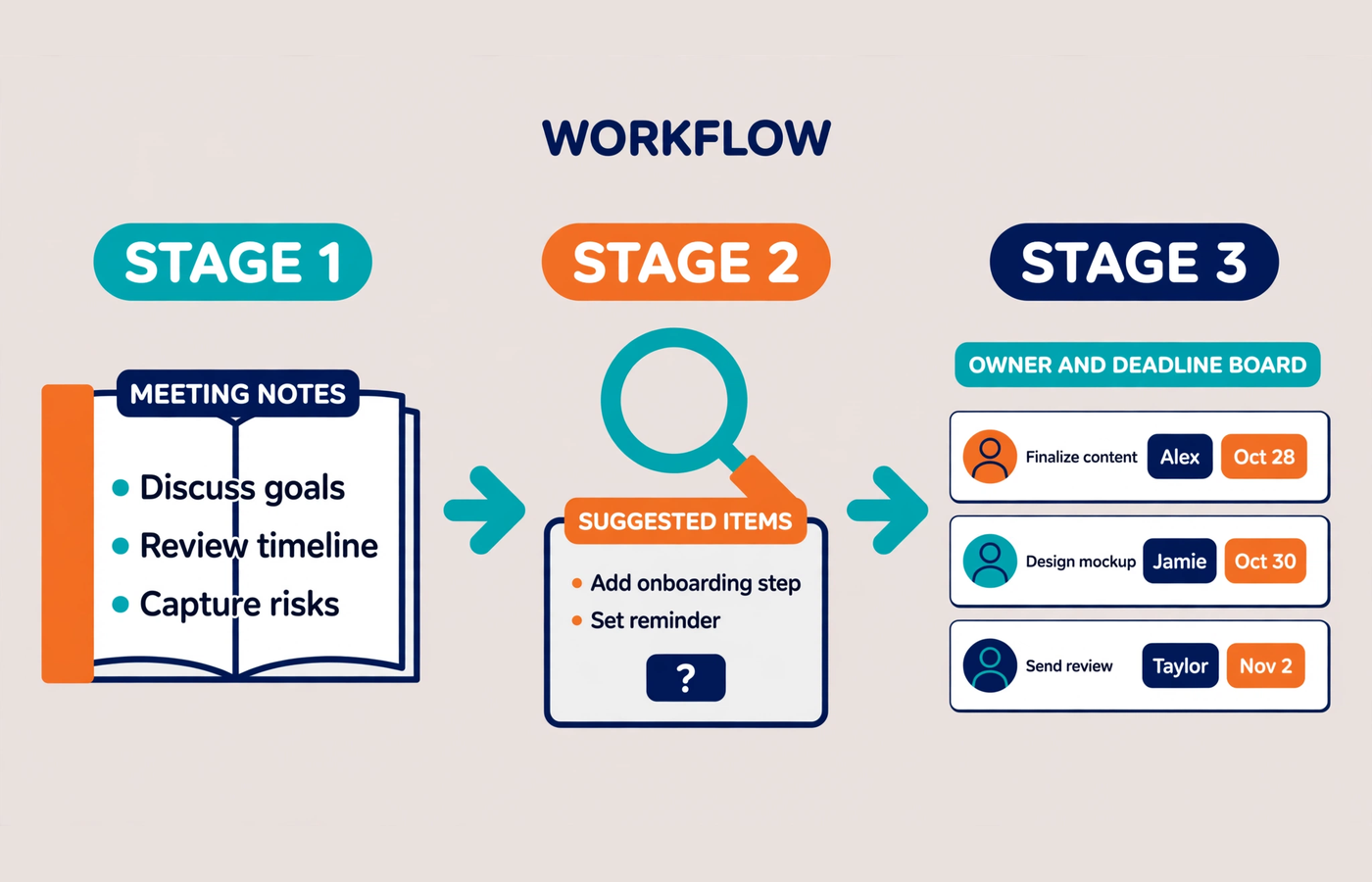
From notes to a board: capture, suggest, review, then assign.
The same habit helps other follow up work too. See our guide to AI email triage, which covers sorting the replies that pile up after a meeting.
Keep the board where the team already works. A board nobody opens is no better than notes nobody reads.
Suggested is not confirmed
A suggestion is a draft, not a promise. The tool reads what was said, but it cannot know what the speaker meant to commit to.
That is why a named person reviews every item. The meeting owner, or the person who ran the meeting, checks each suggestion against the notes.
Unclear items go back to the meeting owner with one short question. No owner or no date means the item is not guessed, it is flagged.
For an illustrative example, a note that says Sam will look into pricing becomes a suggestion for Sam, with a date only if the notes state one. Once confirmed, the item is a commitment. The owner, the date, and the note it came from stay attached, so anyone can check it later.
AI meeting action items: a short review checklist
- Consent given. Everyone in the meeting knew a notetaker was running, and no one asked to opt out.
- Owner named. Every item has one named person, never a team or a role.
- Date set. Every item has one due date, taken from the notes or set by the owner.
- Source attached. Each item links back to the note or transcript line it came from.
- Unclear flagged. Items with no owner or no date went back to the meeting owner.
- Board shared. The confirmed list sits where the team can see it before the next meeting.
Frequently asked questions
Do we need a recording to use this workflow? No. Typed notes in a shared doc work as the source, and the same review step still applies.
What if the tool suggests the wrong owner? The owner corrects it during review. The item stays a suggestion until the right person confirms it.
Does the board replace the meeting notes? No. The notes stay the record, and the board is the working list built from them.
A practical takeaway
A good follow up list is a short one. One owner, one task, and one date per item, all confirmed by a person who checked the notes.
Start with one regular meeting. When AI meeting action items work there, add the next meeting to the same routine. If you want a follow up workflow built around your meetings, tools, and review rules, talk to DevxerTech AI services about a setup that fits the way you work.

