
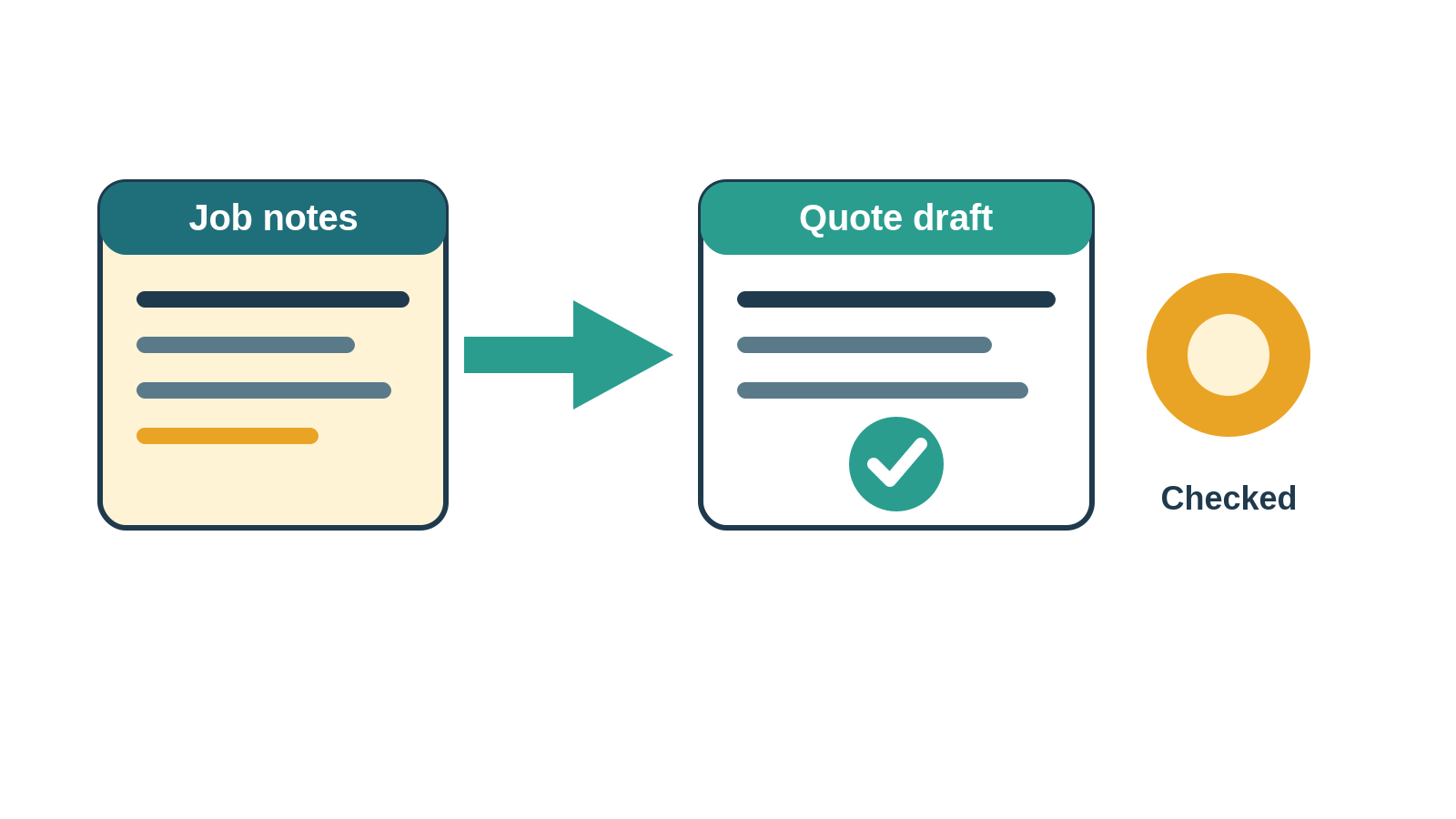
A customer asks for a price, and the estimator opens three notes, two photos, and a supplier list. The numbers are all there, but no one has checked them together yet.
AI quote preparation for service businesses turns those scattered inputs into a draft quote, with line items, terms, and a staff check before it reaches the customer. This guide is for service business owners and estimators who want quotes that are fast to prepare and safe to stand behind. The direct answer is this: draft from checked inputs, keep pricing decisions with authorised staff, and send only a quote someone has reviewed.
Why quotes go wrong before they are sent
Most quote errors are input errors. A wrong quantity, an old supplier price, or a scope note read as included when it was only discussed.
Rushed quotes hide those errors. The customer sees a confident total, while the team discovers the missing item after the job has started.
A quote is also a commitment. Once sent, changing it costs trust, even when the change is fair, so the check must happen before sending, not after.
Start from inputs your team can check
List the inputs every quote needs. Job scope, quantities, materials, labour, travel, and any subcontractor work, each with its source.
Keep the source attached to the draft. A photo, a site note, or a supplier message lets the checker verify a line without asking the estimator to remember it.
Flag anything uncertain instead of guessing it. An allowance with a clear note beats a precise looking number built on a guess.
Clean records help here too. See our guide to AI CRM data entry, which covers turning enquiries into records your team can trust.
Build the draft in a fixed order
Start with scope in plain words. What is included, what is excluded, and what would change the price if the customer asks for more.
Then list line items one by one. Each line needs a description, a quantity, a unit, and a source, so the checker can follow it back to the input.
Add terms last, not as an afterthought. Validity period, payment terms, and what happens if site conditions differ should be easy to find.
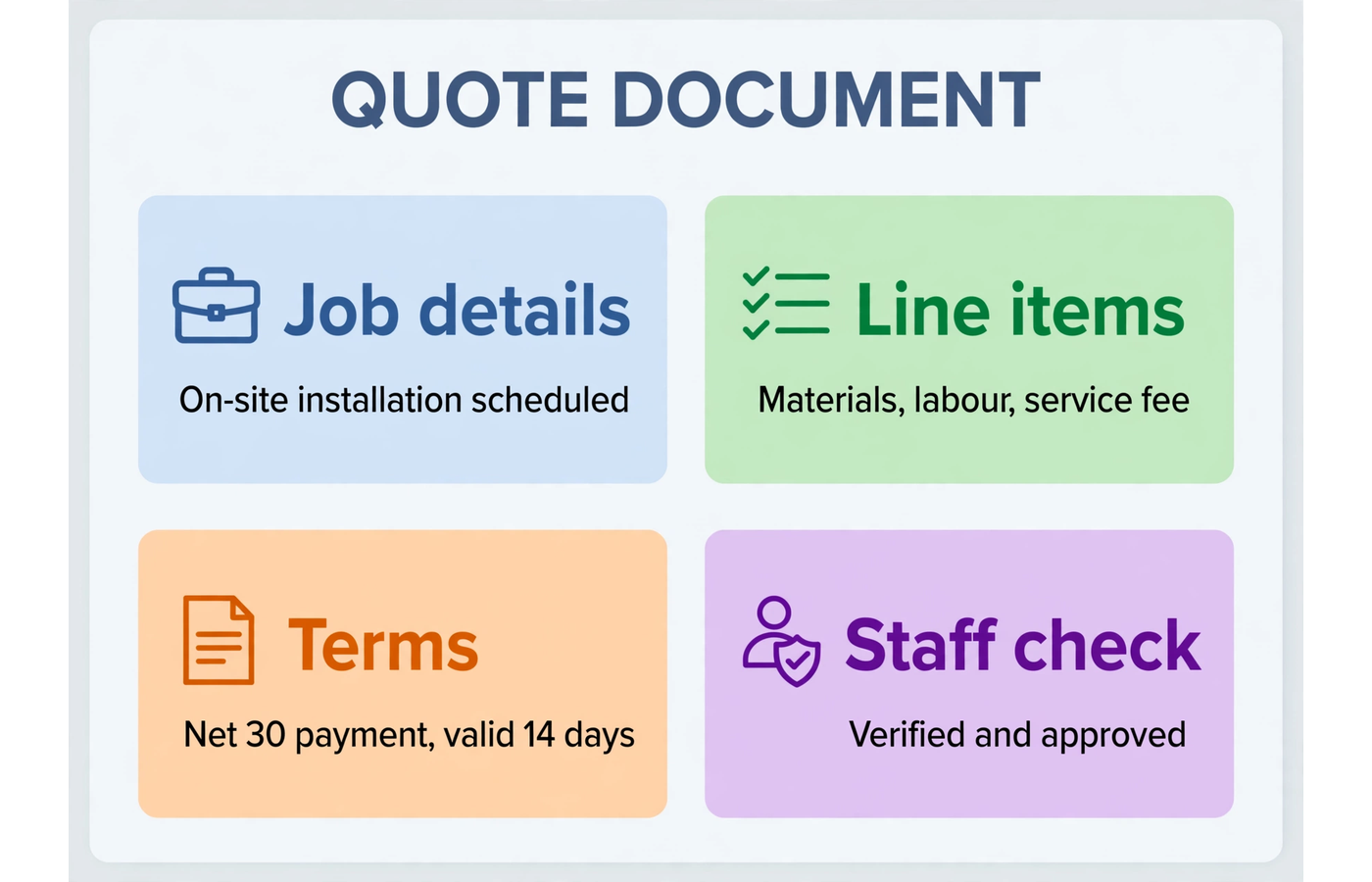
A quote your team can check: scope, line items, and terms, with a staff check before sending.
Read the draft as the customer will. If a line needs explaining, rewrite the line, and do not rely on a phone call to fix it later.
Keep pricing commitments with authorised staff
A draft can suggest prices, but only authorised staff should commit them. Set who can approve each price band before the first draft is sent.
Require a second look for high value or unusual jobs. A fresh pair of eyes catches the scope gap the first reader stopped seeing.
Record the approval with the quote. Approver, date, and any changed lines give the team a clear answer if the customer queries the price later.
Do not promise accuracy the system cannot prove. A draft helps staff prepare quotes, it does not guarantee that every input price is current.
AI quote preparation for service businesses: a short review checklist
- Scope written plainly. Included work, excluded work, and price changing extras are all stated.
- Inputs sourced. Every line item traces back to a note, photo, or supplier message.
- Uncertainty flagged. Allowances are labelled, not hidden inside confident totals.
- Terms complete. Validity, payment, and site condition terms are present and readable.
- Approval recorded. An authorised person checked and approved the quote before sending.
- Version kept. The sent version is saved, so later changes are visible, not silent.
Frequently asked questions
Does the system send quotes on its own? No. The draft prepares the quote, but an authorised person checks inputs, prices, and terms before anything is sent.
Do we need to set up every service at once? Start with one service type, such as your most repeated job. When the draft and check work there, add the next service.
What if an input price is missing? It stays a draft with the gap marked. Staff fill the missing input, and only then does the quote move to approval.
A practical takeaway
A good quote is a checked quote. Draft it from sourced inputs, write the scope plainly, and let authorised staff approve it before sending.
Start with your most repeated job. When AI quote preparation for service businesses works there, widen it one service at a time. If you want a quote workflow built around your services, inputs, and approval rules, talk to DevxerTech AI services about a setup that fits the way you work.

