
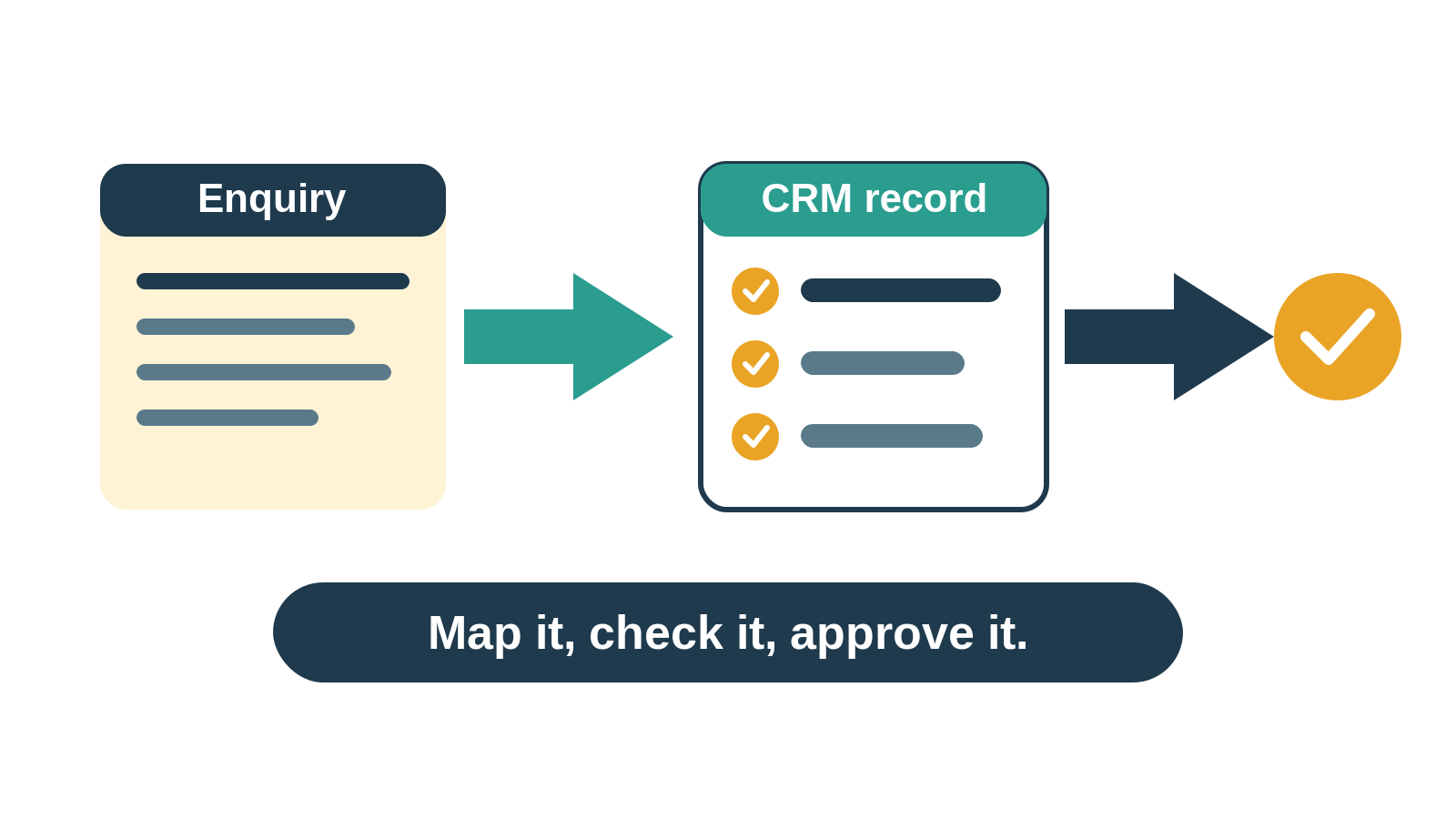
A new enquiry arrives with half the story. A name without a company, a phone number without an owner, and a note only the first reader understands.
AI CRM data entry turns that enquiry into a clean customer record, with fields mapped, duplicates checked, and approval kept with a person. This guide is for sales operations managers at small and medium businesses who need records their team can trust, not a larger pile of half finished contacts.
The direct answer is this: map fields before you automate, check duplicates before you create, and keep approval in human hands. Clean records come from rules, not speed.
Why messy entry costs more than typing time
A missing field looks small. It becomes a missed call back, a quote sent to the wrong person, and a pipeline report no one believes.
Duplicates make it worse. Two records for one customer split the history, so sales, support, and finance each work from a different story.
Typing is rarely the real cost. The real cost is the rework, the repeated questions, and the deals that stall while staff check which record is right.
Map fields before you automate
Start with the enquiry sources you actually use. Website forms, phone calls, email, and referrals each arrive in a different shape.
List every source field next to its CRM field. Name goes to full name, company goes to account, and message goes to notes, not to a custom field no one reads.
Decide which fields are required, which are optional, and which use a fixed list. A source field with twelve spellings of one value will break every report built on it.
Keep the original enquiry attached to the record. When a mapped value looks wrong, staff can check the source instead of guessing.
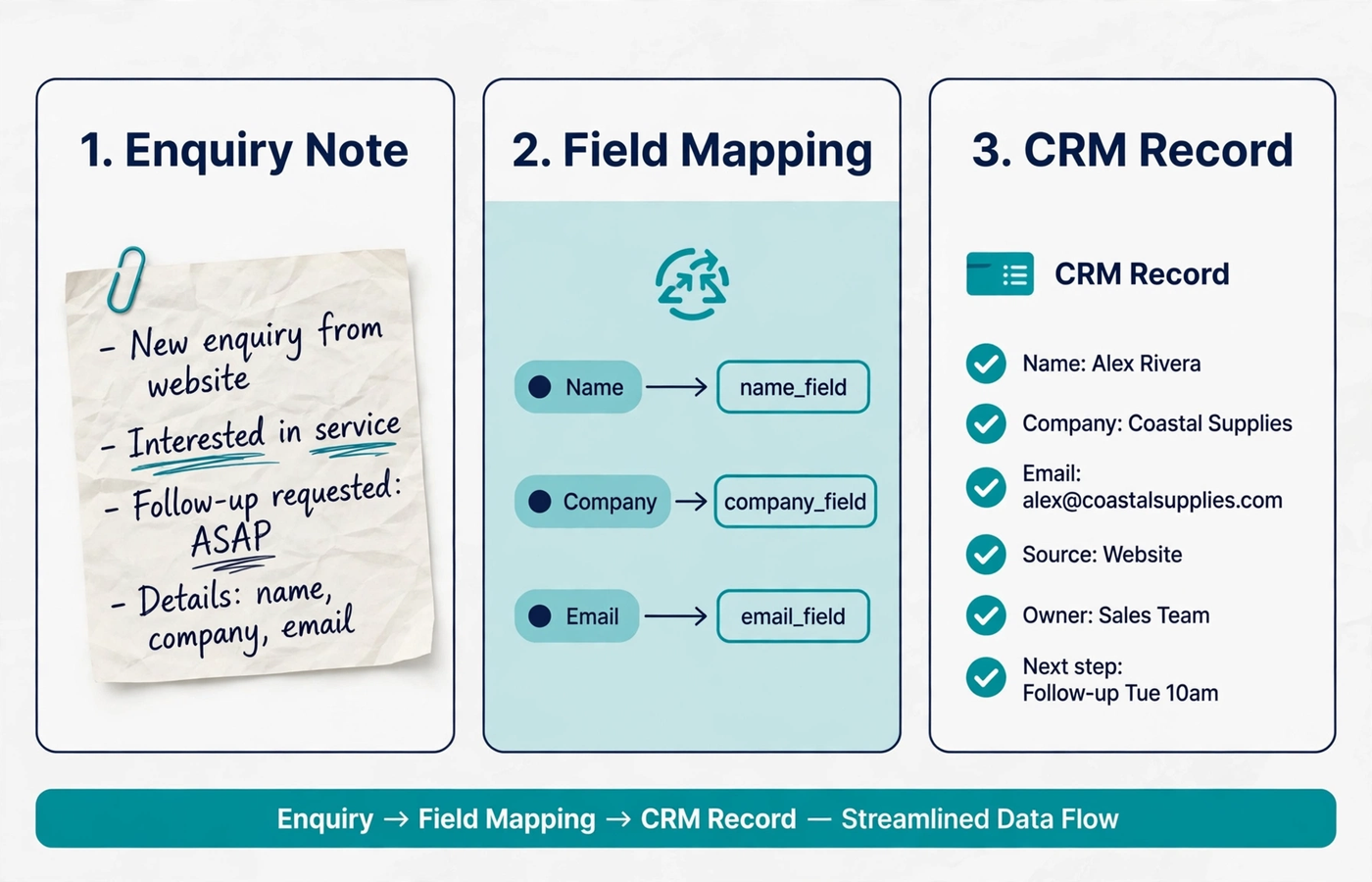
From enquiry to record: map each field once, check it, and only then save it.
Missed calls are a common enquiry source. See our guide to missed-call follow-up automation, which covers capturing the enquiry without chasing.
Test the map on real past enquiries before launch. Ten old enquiries will expose more mapping gaps than a blank test form ever will.
Check for duplicates before you create
Check in layers. An exact email match is a strong signal, a matching domain plus company name is a weaker one, and a similar name alone is only a hint.
Send weak matches to a review queue with both records side by side. Staff decide the merge, and the system records who decided and why.
Set merge rules before the first merge. Decide which value wins for phone, owner, and status, and keep consent and opt out flags safe from any merge.
A bad merge is worse than a duplicate. A duplicate can be merged later, but a merged record can mix two customers into one history that is hard to undo.
Qualification decides what a record means. See our guide to AI lead qualification for service businesses, which covers what to ask before handoff.
Keep approval where it matters
Let the system fill low risk fields on its own. Names, companies, and sources from a clear enquiry need speed, not a meeting.
Keep approval for changes that commit the business. Owner changes, status changes, and consent flags should pass a named person first.
Log every change with its source. Field, old value, new value, and approver give the weekly review something real to check.
Review the queue weekly at first. Fix the mapping, the rule, or the example that caused each error, and test the fix on the next batch.
AI CRM data entry: a short setup checklist
- Fields mapped. Every source field has one CRM field, with required fields and fixed lists agreed.
- Duplicate rules set. Exact matches update, weak matches queue for review, and no merge runs without a rule.
- Approval roles named. One approver per change type, with a backup for absence.
- Original kept. Every record links back to its source enquiry for checking.
- Trial week done. Mapped records were compared with manual entry before automation widened.
- Weekly review booked. Errors are fixed one at a time, with the change tested.
Frequently asked questions
Will AI overwrite records my team already verified? Not if you set write rules first. Fill empty fields only, and send changes to verified fields to approval.
Do we need to clean the whole CRM first? No. Start with one enquiry source and one record type, and clean the records that source touches.
What if the system cannot read an enquiry? It queues the enquiry for a person, with the original attached. An unmapped enquiry waits for review, it never becomes a guessed record.
A practical takeaway
Clean records are a habit, not a purchase. Map once, check twice, and approve the changes that matter.
Start with one enquiry source and one record type. When AI CRM data entry works there, widen it one source at a time. If you want an entry workflow built around your CRM, fields, and team, talk to DevxerTech AI services about a setup that fits the way you work.

