
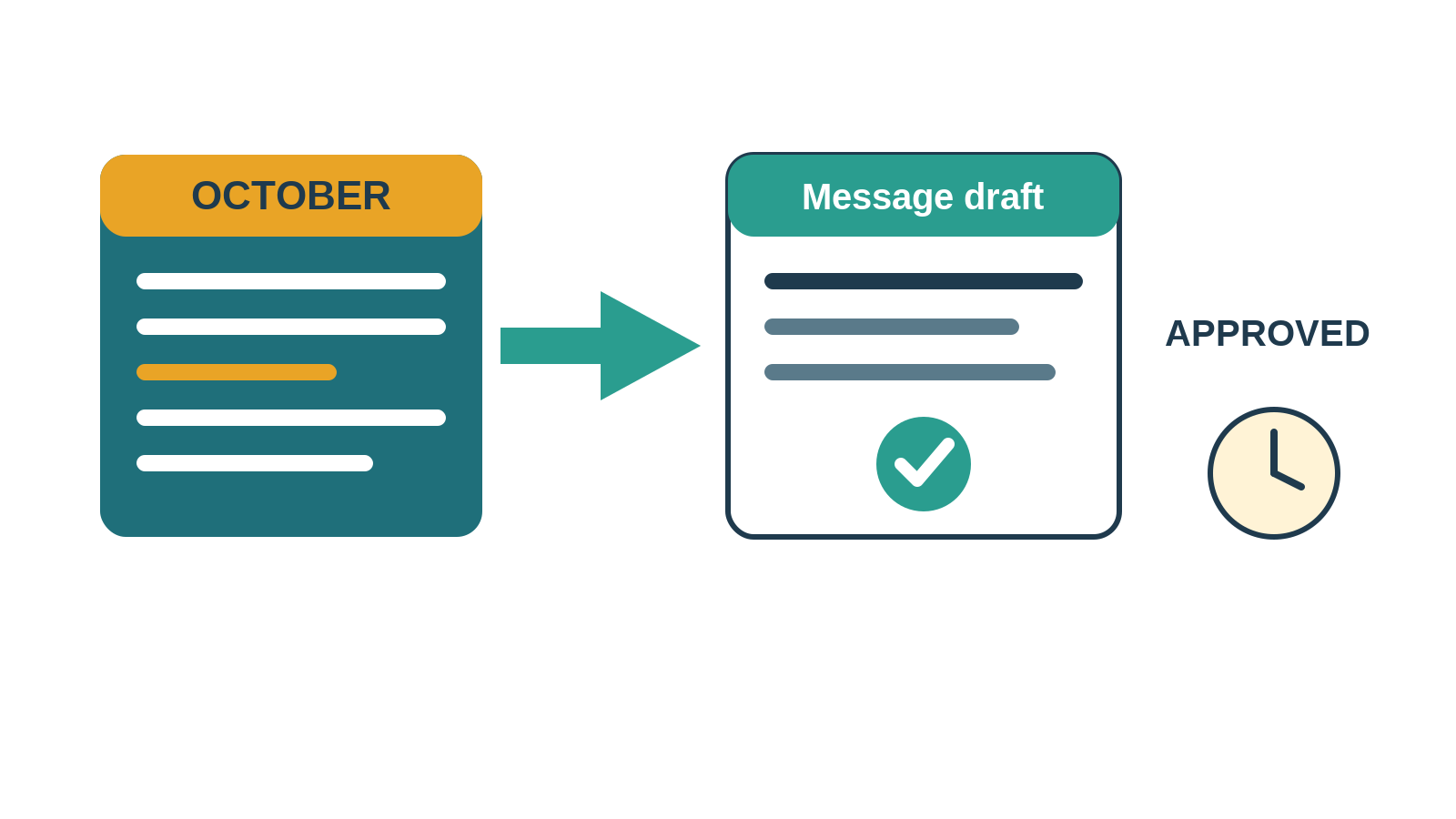
A prospect replies, then waits. Your team means to follow up, but the next step sits in an inbox, and no one knows who owns it.
AI sales follow up automation keeps that step visible: it drafts the follow up, sets the timing, and holds it for approval before anything is sent. This guide is for small business sales teams handling inbound enquiries, who want faster follow up without losing control of what goes out.
The direct answer is this: draft first, approve second, and send third. Timing, consent, and a named approver matter more than speed alone.
Why follow up fails without a clear owner
Most follow up does not fail from a bad message. It fails because no one was named to send it, or because two people both assumed the other would.
A shared inbox hides that gap. The enquiry looks handled because it was read, even though no reply was drafted and no date was set.
Late follow up has its own cost. The prospect moves on, the context cools, and the team starts again with a weaker conversation.
Set the timing before you write the draft
Agree a simple timing rule for each enquiry type. A hot enquiry may deserve a same day draft, while a general enquiry can wait until the next working day.
Write the rule down with its owner. For example, the first responder drafts within four working hours, and the team lead approves before sending.
Build in a stop condition. If the prospect asked not to be contacted, or the enquiry is already handled, the follow up stops, and the record says why.
A missed call often starts this chain. See our guide to missed-call follow-up automation, which covers capturing the enquiry without chasing.
Draft, approve, then send
Let the draft pull facts from the enquiry itself. Name, product interest, and the question asked should appear, so staff check facts instead of retyping them.
Keep the draft short and specific. One next step beats three options, and a clear question beats a general check in.
Approval is the control point. The approver checks facts, tone, and consent, then either sends the draft, edits it, or stops it with a reason.
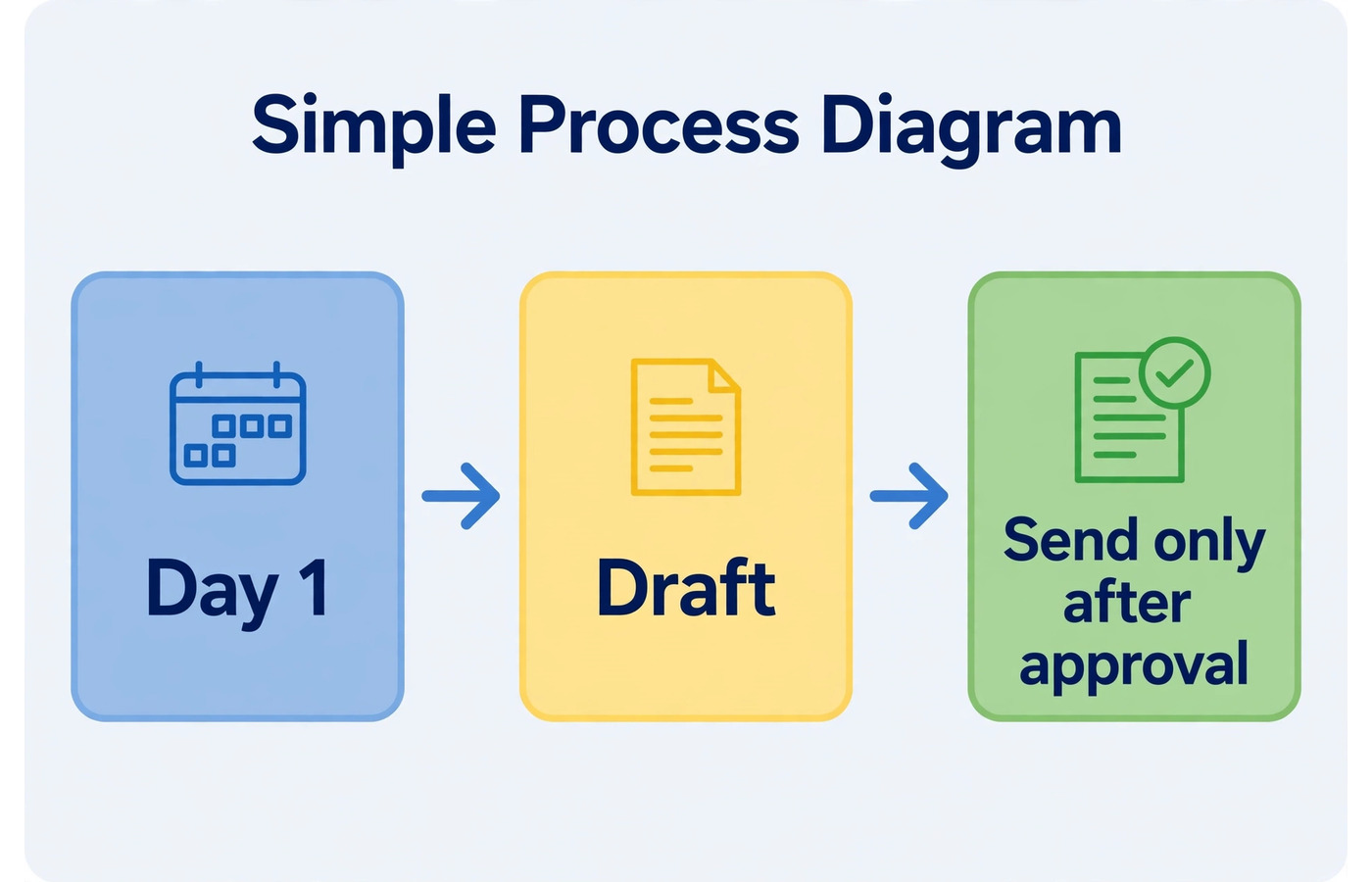
Draft, approve, then send: nothing goes out until a named person has checked it.
Log the decision with the draft. Who approved it, when it was sent, and what changed gives the next person the full story at a glance.
Consent and stop conditions come first
Consent is not a checkbox at the end. If the prospect only asked a question, a sales sequence is not the same as permission to keep messaging them.
Offer a clear way out in every follow up. A short opt out line protects the prospect and protects your team from sending messages no one wants.
Respect channel limits too. A prospect who called may not want a text, and a prospect who emailed may not want a call out of the blue.
Review stopped follow ups monthly. If one reason keeps appearing, fix the intake question that caused it, not just the draft.
AI sales follow up automation: a short approval checklist
- Timing agreed. Each enquiry type has a draft deadline and a named owner.
- Approver named. One person approves each draft, with a backup for absence.
- Consent checked. The draft matches what the prospect actually agreed to receive.
- Stop conditions set. Opt outs, handled enquiries, and wrong contacts stop the sequence.
- Decision logged. Approval, edits, and sends are recorded against the enquiry.
- Weekly review booked. Drafts that waited too long are checked, and the rule behind each delay is fixed.
Frequently asked questions
Does automation send messages while we are closed? No. Drafts wait for a named approver, so nothing is sent while the team is away. The queue simply waits for the next working review.
Do we need to automate every follow up at once? Start with one enquiry type, such as website enquiries. When timing and approval work there, add the next type.
What if an approver disagrees with a draft? It stays in the queue with the reason attached. Staff can edit it, reassign it, or stop it, but it never sends itself.
A practical takeaway
Good follow up is a promise kept on time. Draft it promptly, check it properly, and send only what a person has approved.
Start with one enquiry type and one approver. When AI sales follow up automation works there, widen it one step at a time. If you want a follow up workflow built around your enquiries, timing, and team, talk to DevxerTech AI services about a setup that fits the way you work.

