
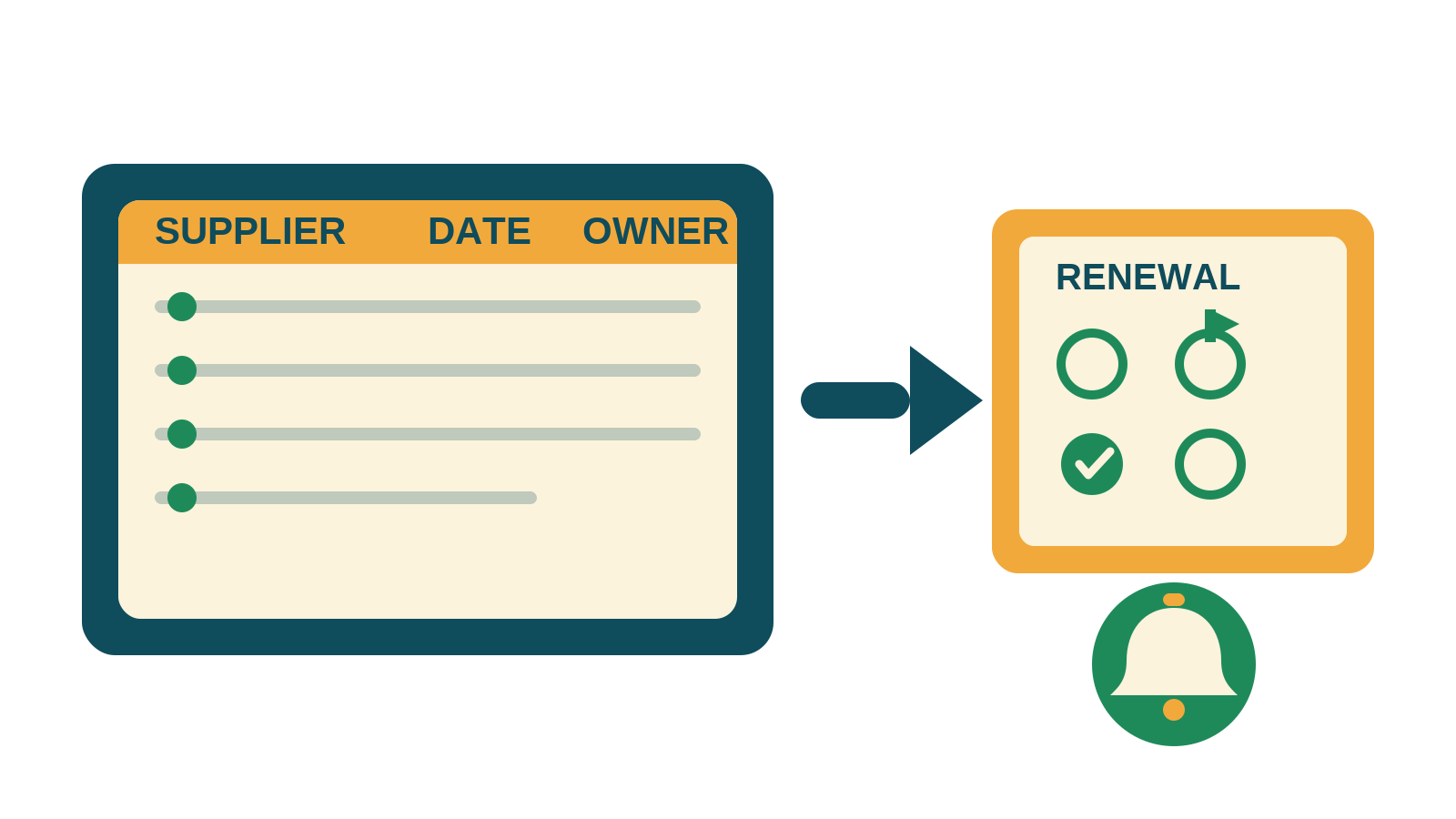
A supplier agreement renews itself on a date no one was watching. The team finds out when the invoice arrives, and by then the chance to renegotiate is gone.
AI contract renewal tracking turns scattered agreements into a register with dates, owners, and reminders, so each renewal gets a decision before the deadline. This guide is for SME operations teams who maintain supplier agreements and want renewals handled on time, without adding a legal review to every step. The direct answer is this: keep one register, confirm every extracted date by hand, and tie reminders to the notice deadline.
Why renewal dates slip past busy teams
Renewal dates hide in PDFs, inboxes, and shared drives. No single list shows what renews next, so the team relies on memory and one person's calendar.
A renewal is easy to miss when the contract auto-renews. Nothing asks for a decision, so silence becomes agreement, and the old terms roll on for another year.
The cost is rarely the price alone. A missed notice window can lock in a service the team no longer needs, or lose a discount tied to early renewal.
Start with one register every contract joins
List every supplier agreement in one register. Supplier, service, start date, renewal date, notice period, and owner, each in its own field.
Give each contract one row and one owner. When a contract has no owner, it has no one to remind, so assign the owner at the same time you add the row.
Add a backup owner for the contracts that matter most. Holidays and staff changes should not leave a renewal with no one watching it.
Keep the signed file linked to its row. See our guide to AI document processing, which covers turning scanned papers into records your team can search.
AI contract renewal tracking: what the system does and what people still do
AI can read a contract file and suggest the renewal date, notice period, and auto-renew terms. Treat those suggestions as a starting point, not a final record.
A person must confirm every extracted date before reminders are set. Scanned pages, unusual wording, and amendments can all mislead the extraction.
Record who confirmed the date and when. That note gives the team a clear answer if a supplier later disputes the notice given.
Do not rely on extraction alone for dates that carry money or risk. Administrative tracking keeps the dates visible; it does not interpret the contract for you.
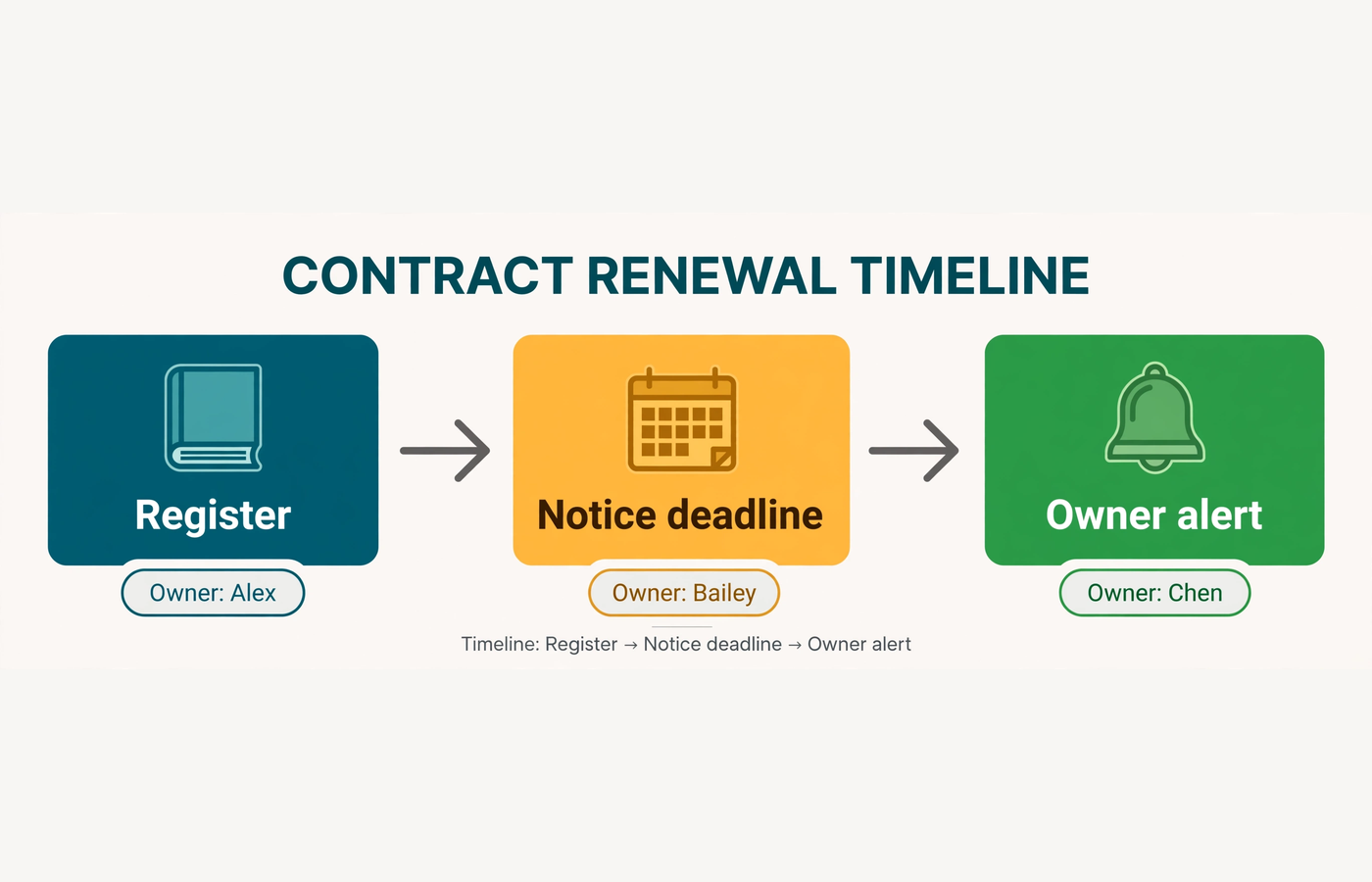
From register to reminder: each stage names the owner responsible.
Set reminders against the notice deadline, not the renewal date
The notice deadline is the real deadline. If a contract needs 90 days notice, the renewal date is already too late to act.
Set the first reminder when the notice window opens. That gives the owner time to check usage, compare the service, and decide what to do.
Add a second reminder halfway through the window, and a final one a week before the notice deadline. Each reminder should name the decision still open.
Illustrative example: a cleaning contract renews on 1 March with 60 days notice. The first reminder lands in early January, so the owner can review the service before deciding.
Route reminders to the owner and the backup. A reminder that reaches only one inbox fails when that person is away.
Keep one owner, and one backup, for every contract
The owner decides, or finds the person who can. That decision should be recorded, not assumed, so the next reminder has a named person to chase.
Review ownership every quarter. Roles change, and a register that still names someone who left is a register that warns no one.
Escalate when a reminder goes unanswered. After two unanswered reminders, the backup owner takes over, and the register records the handover.
Connect the reminders to the wider workflow. See our guide to AI workflow automation for small business, which shows how routine tasks move from a trigger to a named owner.
A short review checklist before you switch tracking on
- Register complete. Every supplier agreement has a row, a renewal date, a notice period, and an owner.
- Dates confirmed. A person checked each extracted date against the signed file.
- Notice deadlines set. Reminders run from the notice deadline, not the renewal date.
- Owners and backups named. Every contract has an owner and a backup, and both know their role.
- Decisions recorded. Each renewal decision and its date are saved against the contract row.
- Review scheduled. Ownership and dates are checked every quarter, not only when a renewal is near.
Frequently asked questions
Can the system read every date on its own? No. It suggests dates from the file, and a person confirms each one before reminders are armed.
What if a contract has no notice period? Record that fact in the register and set reminders from the renewal date, so the team still reviews it in time.
Do we need legal advice to set this up? No. This is administrative tracking of dates and owners. Questions about what a clause means belong with a legal adviser.
How do we start with a large backlog? Start with the contracts that renew in the next six months. Add the rest in order of renewal date, not all at once.
A practical takeaway
A renewal is a decision with a deadline. A register, confirmed dates, and reminders tied to the notice deadline give that decision a named owner and enough time.
Start with the next ten renewals. When AI contract renewal tracking works there, extend the register to the rest of your supplier agreements. If you want a renewal register built around your suppliers, dates, and owners, talk to DevxerTech AI services about a setup that fits the way your team works.

