
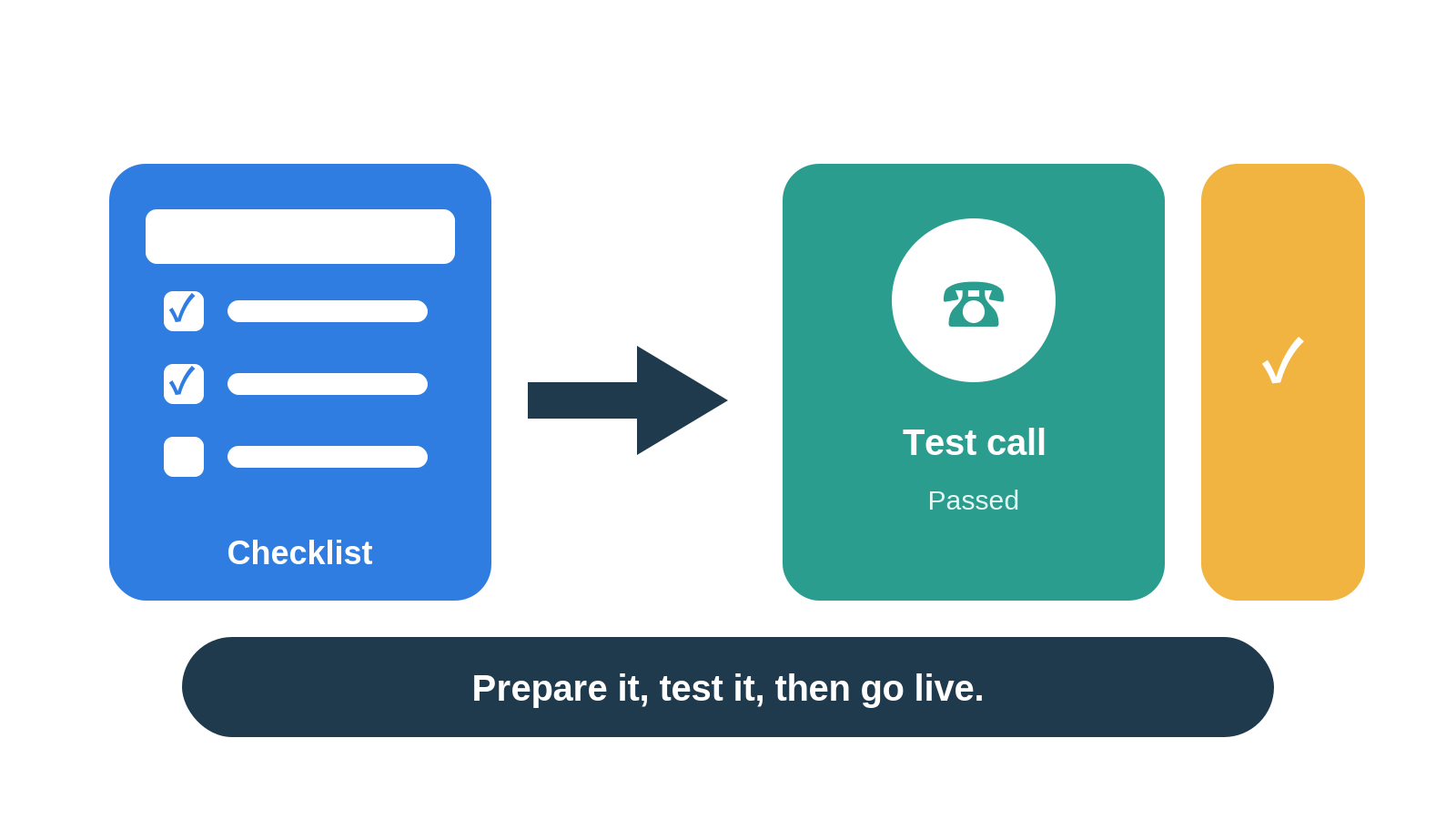
A receptionist that guesses is worse than a phone that rings out. Callers forgive a short wait for a person. They rarely forgive a confident wrong answer about price, hours, or availability.
This AI receptionist setup checklist is for business owners preparing their first receptionist deployment. It covers the facts, rules, and tests to prepare before launch, so the first live calls go to the right outcome.
The direct answer is simple: prepare the job, the facts, and the handoffs first. The tool choice comes after that.
Start with the job, not the tool
Write one paragraph that states what the receptionist must do. Answer questions, book visits, take messages, or all three, and in which order.
That job decides everything else. A receptionist that only books needs calendar rules. One that answers questions needs approved facts.
List the calls it will not handle. Complaints, urgent jobs, and regulated advice usually need a person from the start.
Keep the first launch narrow. After-hours calls, or one call type, are easier to test than every call at once.
Gather the business facts it will answer
Collect hours, service area, services, and contact details in one approved document. Remove old price lists and conflicting pages first.
Write short approved answers for the questions callers ask most. Hours, pricing approach, booking steps, and cancellation rules belong here.
Add a clear do-not-say list. Prices it cannot confirm, medical or legal advice, and promises about arrival times stay off the list.
Name one owner for the facts. When a service or price changes, that owner updates the document before the next call.
If two sources disagree, the receptionist cannot choose safely. Fix the source, not the script.
Map every call type to an outcome
List your common call types from recent calls or notes. New booking, reschedule, price question, urgent request, and general question cover most businesses.
Give each type one outcome. Booked, message taken, transferred, or politely ended, with the fields staff need for each.
Write the exact intake fields for each type. Name, need, location, and callback choice are usually enough to start.
Decide what happens when the caller changes direction. The receptionist should stop, listen, and move to the new outcome, not restart the script.
Set booking rules before connecting a calendar
Confirm which calendar is the source of truth. If staff also book by phone, both systems must show the same availability.
Set service durations, buffers, and travel time before connecting anything. A booking without buffers soon double-books the day.
List jobs that cannot be booked automatically. Jobs needing a site visit, a quote, or a senior decision go to a person with context.
Decide the confirmation step. A booking is confirmed only when the calendar holds it and the caller gets the details. For the wider booking question, see our guide to AI appointment booking assistants, which covers availability, confirmation, and exceptions.
Name the people behind every handoff
Name a primary person and a backup for every transfer. A transfer with no named owner is a message, not a handoff.
Write the summary staff receive. Caller, need, urgency, and next step, in that order, save staff from replaying the whole call.
Set the urgent branch separately. Urgent calls alert the on-call person at once and require acknowledgement.
Give callers a clear way to ask for a person. A caller who cannot reach a person will hang up and call a competitor.
Test the backup path too. Absence and busy periods are when handoffs fail most often.
Test the difficult calls first
Run test calls before any live call. Cover each call type, plus the awkward cases: background noise, a changed mind, and an unclear request.
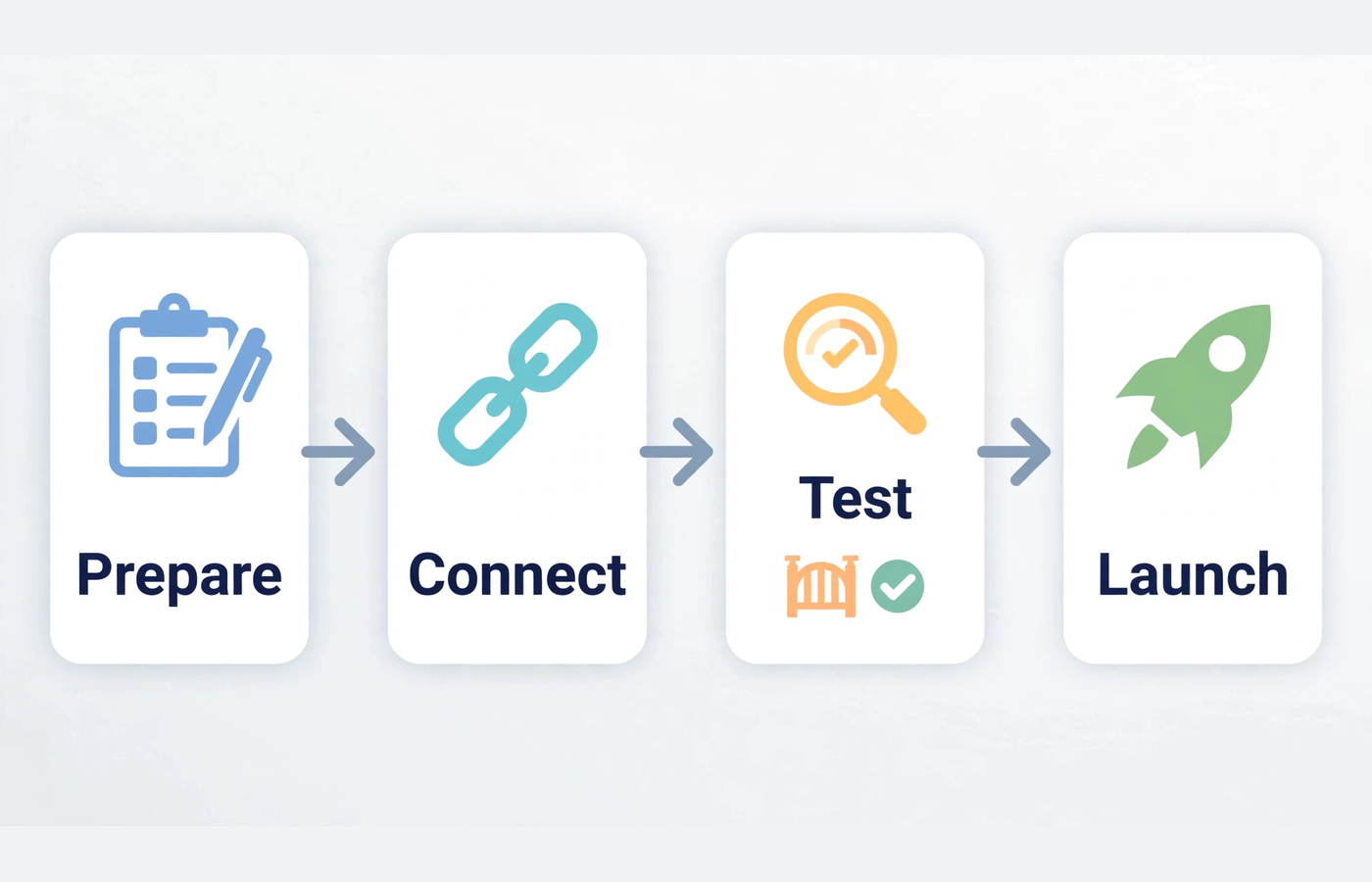
The setup sequence: prepare the facts, connect the calendar, test the difficult calls, and only then launch.
Check that bookings land on the right calendar, summaries reach the right person, and transfers ring the right number. Read the test transcripts as a caller would. Fix wrong answers in the facts document, not by adding a longer script.
Agree the pass rule in advance. Every call type passes its test, or that type stays out of the first launch.
AI Receptionist for Immigration Consultants: Live Call Demo
Live demo example, not the setup checklist itself. It shows a receptionist call with greeting, compliance routing, a fee answer, details captured, and a booking confirmed.
Watch on YouTubeLaunch narrow, then widen
Start with overflow or after-hours calls. Staff still answer the main flow while the receptionist proves itself on a smaller set.
Review early calls daily for the first two weeks. Look for wrong answers, failed transfers, and questions with no approved answer.
Add one call type at a time, only after the current set passes review. Widening too fast hides the weak step. For coverage outside hours, see our guide to after-hours call answering, which covers who owns each part of the day.
AI receptionist setup checklist: acceptance checks
- Job written. One paragraph states what it handles, what it refuses, and what success looks like.
- Facts approved. Hours, services, policies, and do-not-say list sit in one document with a named owner.
- Call map complete. Every call type has one outcome and the fields staff need.
- Booking rules set. Calendar source, durations, buffers, and no-auto-book jobs are agreed.
- Handoffs named. Primary, backup, urgent branch, and summary format are tested.
- Tests passed. Difficult calls pass, and failed types stay out of launch.
Frequently asked questions
How long does setup take? Clean facts and one call type can be ready to test in days. Conflicting sources take longer, and fixing them first saves failed calls.
Should it answer every call from day one? No. Start with after-hours or overflow calls, review the results daily, and widen only when each call type passes its test.
What if it cannot answer a question? It should say so plainly, take a message with the caller's need, and pass it to the named owner. Guessing is the failure to avoid.
A practical takeaway
A good launch feels unremarkable. Callers get correct answers, bookings land cleanly, and staff receive summaries they can act on.
That result comes from preparation, not from a clever tool. Follow this AI receptionist setup checklist, and the facts, rules, owners, and tests do the real work.
Devxer Pros, Devxer Technologies' configured product offering, covers website chat, voice inquiries, and appointment workflows for receptionist use. If you want a custom receptionist built around your systems, talk to DevxerTech AI services about a setup that fits your team.

