
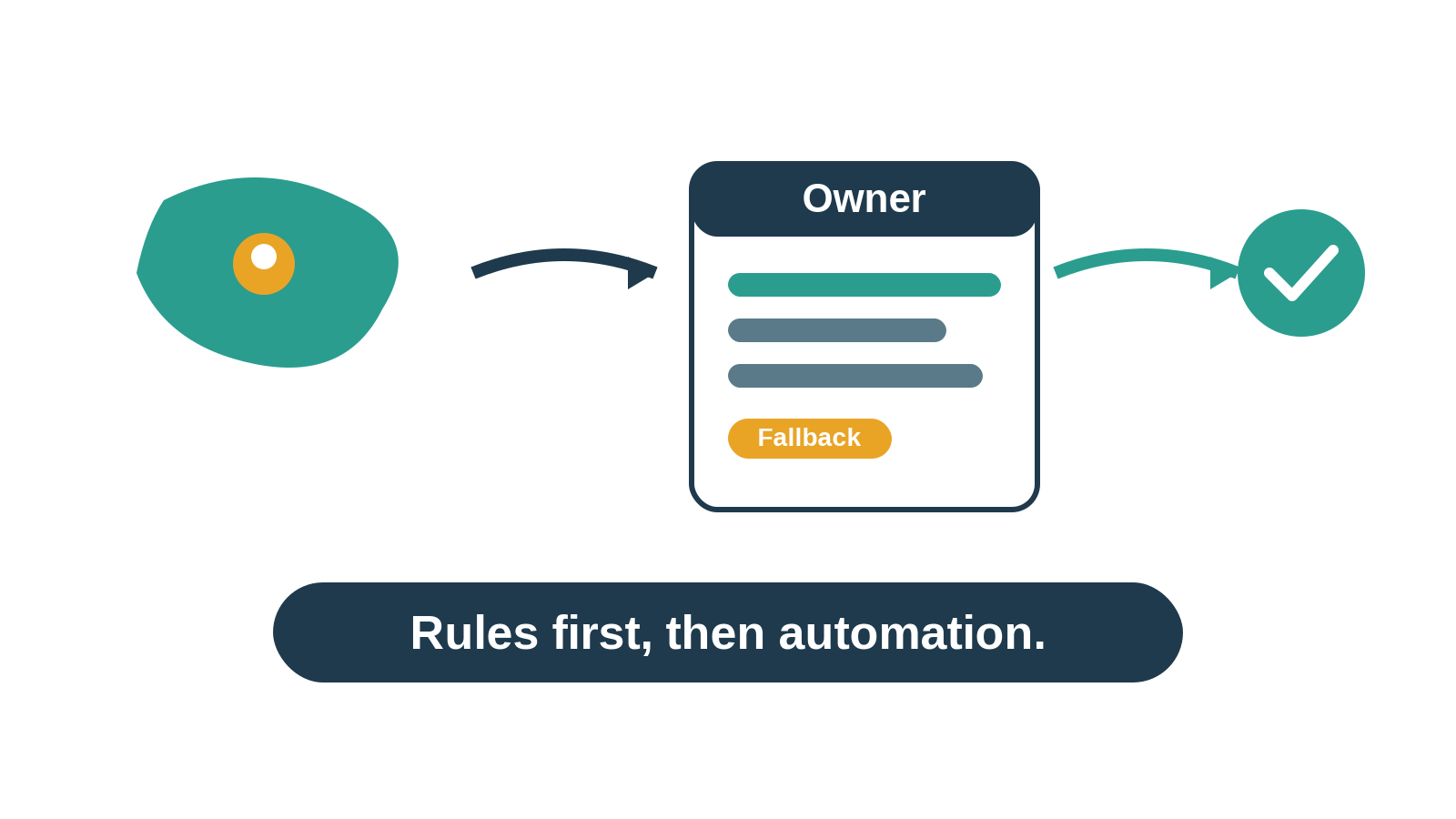
A good lead waited three days. No one ignored it on purpose, it simply had no owner, and every rep assumed someone else had it.
Good routing fixes that gap: automated lead routing for small business sends each enquiry to one named owner under rules the team agreed first. This guide is for sales managers assigning enquiries across a small team, who need speed without losing control of who owns what.
The direct answer is this: agree the rules, then automate them. Territory, capacity, and fallback come before any tool, not after it.
Why leads stall without an owner
An unowned lead is not a queued lead. It is a lead no one checks, because a shared inbox makes everything look like someone else's job.
Manual routing has the same flaw at a smaller scale. It depends on one person remembering territories, capacity, and who is away this week.
Slow first contact is the visible cost. The hidden cost is cherry picking, where easy leads get picked up and hard ones sit untouched.
Capture matters before routing. See our guide to missed-call follow-up automation, which covers turning a missed call into an assigned task.
Choose the routing rule first
Territory routing sends a lead to the owner of its region. It works when location data is clean and territories are kept current.
Round robin cycles leads evenly across the team. It is fair and simple, but it ignores capacity, skill, and who is actually available.
Capacity routing checks workload before assigning. A rep with a full diary is skipped in the rotation until there is room to work the lead well.
Product routing sends a lead to the rep who handles that service. It suits teams where services need different knowledge, not just different postcodes.
Start with one primary rule for most leads, not four rules fighting over every enquiry. Add a second rule only when the first one leaves a clear gap.
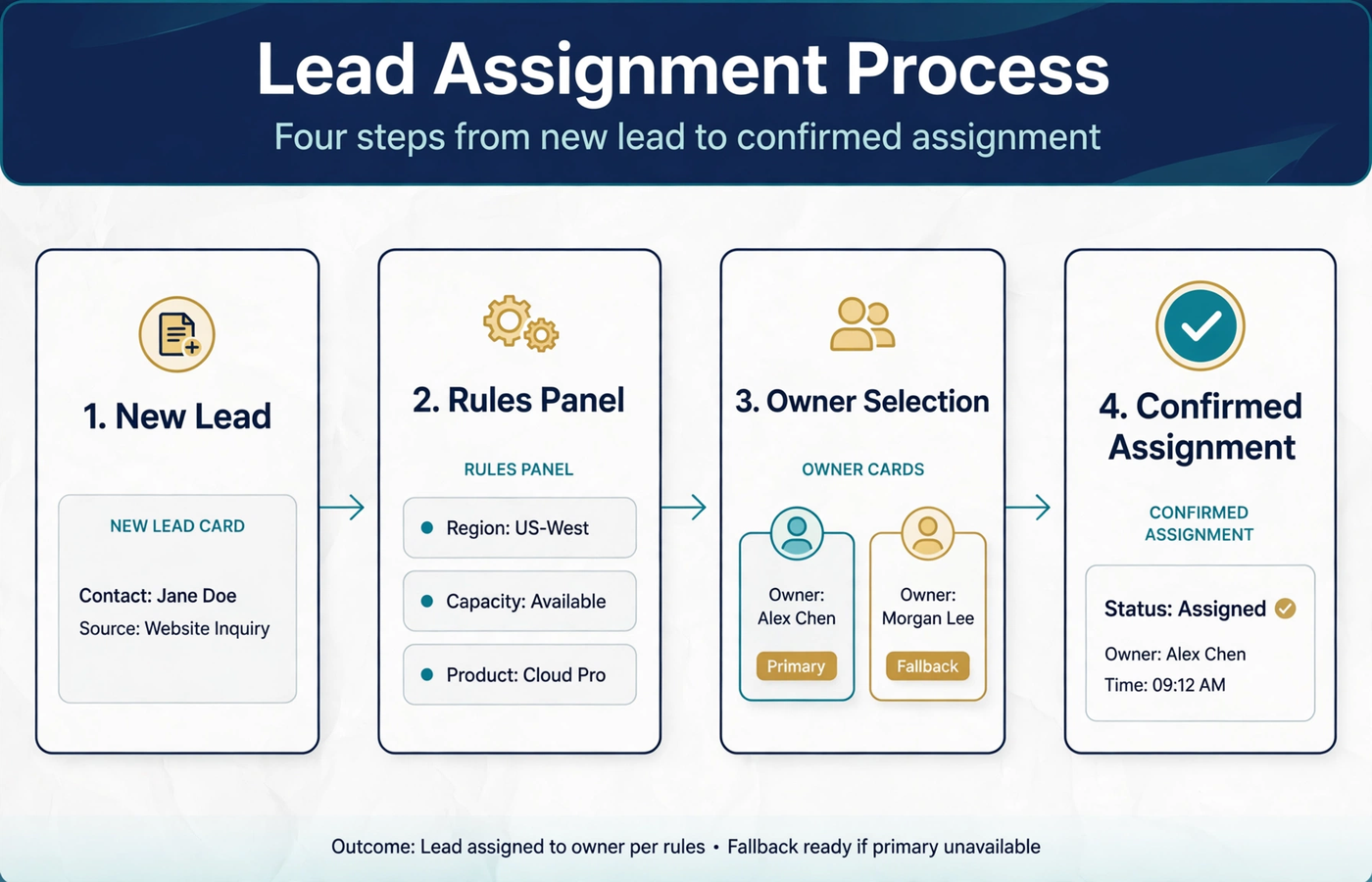
From lead to owner: the rules panel decides, the fallback covers the gap, and the assignment is confirmed.
Qualification is a different job from routing. See our guide to AI lead qualification for service businesses, which covers what to ask before handoff.
Set capacity and availability gates
Give every rep an availability flag the routing rule actually checks. Leave, sickness, and training days should remove a rep from rotation automatically.
Set a capacity cap in open leads, not just in lead count. Ten simple enquiries and ten complex deals are not the same workload.
Ramp new starters gently. A lower cap for the first weeks protects the lead and the rep, and it stops early burnout disguised as fairness.
Review caps monthly. A cap set at launch will be wrong within a quarter as the team, the pipeline, and the product mix change.
Write the fallback and reassignment rules
Every rule needs a fallback for the lead that matches nothing. Missing territory, missing product, and duplicate accounts all need a named destination.
Send unmatched leads to a monitored exception queue with a named owner, not to a general inbox. The owner reviews the queue each working day.
Set a response window for assigned leads. If the owner has not acted within the agreed window, the lead moves to the fallback owner with a note.
Keep the full assignment history when a lead moves. The original owner, the reason for the move, and the new owner stay on the record.
Reassign for a reason, not by habit. A high reassignment rate is a signal that the first rule is wrong, and the rule needs fixing, not the rep.
automated lead routing for small business: a short setup checklist
- Primary rule agreed. One rule covers most leads, with its owner and its limits written down.
- Territories current. Regions and account lists are reviewed whenever the team changes.
- Capacity caps set. Every rep has an open lead cap and an availability flag the rule checks.
- Fallback named. Unmatched leads go to a monitored queue with a daily owner.
- Response window set. Unworked leads move to the fallback owner after the agreed window.
- Weekly review booked. Routing errors and reassignments are fixed at the rule, not by hand each time.
Frequently asked questions
What if a lead matches no rule? It goes to the exception queue, and the queue owner assigns it by hand that day. No lead sits without an owner while the rule is fixed.
Should the fastest rep get the most leads? Capacity comes first. Speed without capacity burns out your best rep and leaves complex leads with whoever happens to be free.
Do we need new software to start? No. Start with written rules and the assignment feature in the CRM you already use, and add tooling only when the rules prove themselves.
A practical takeaway
Routing is a promise about ownership. Every lead gets one owner, one window, and one fallback, or the system is not finished.
Start with one rule and one fallback. When automated lead routing for small business works on real enquiries, add the next rule, not the next tool. If you want a routing setup built around your territories, capacity, and team, talk to DevxerTech AI services about rules that fit the way you sell.

