
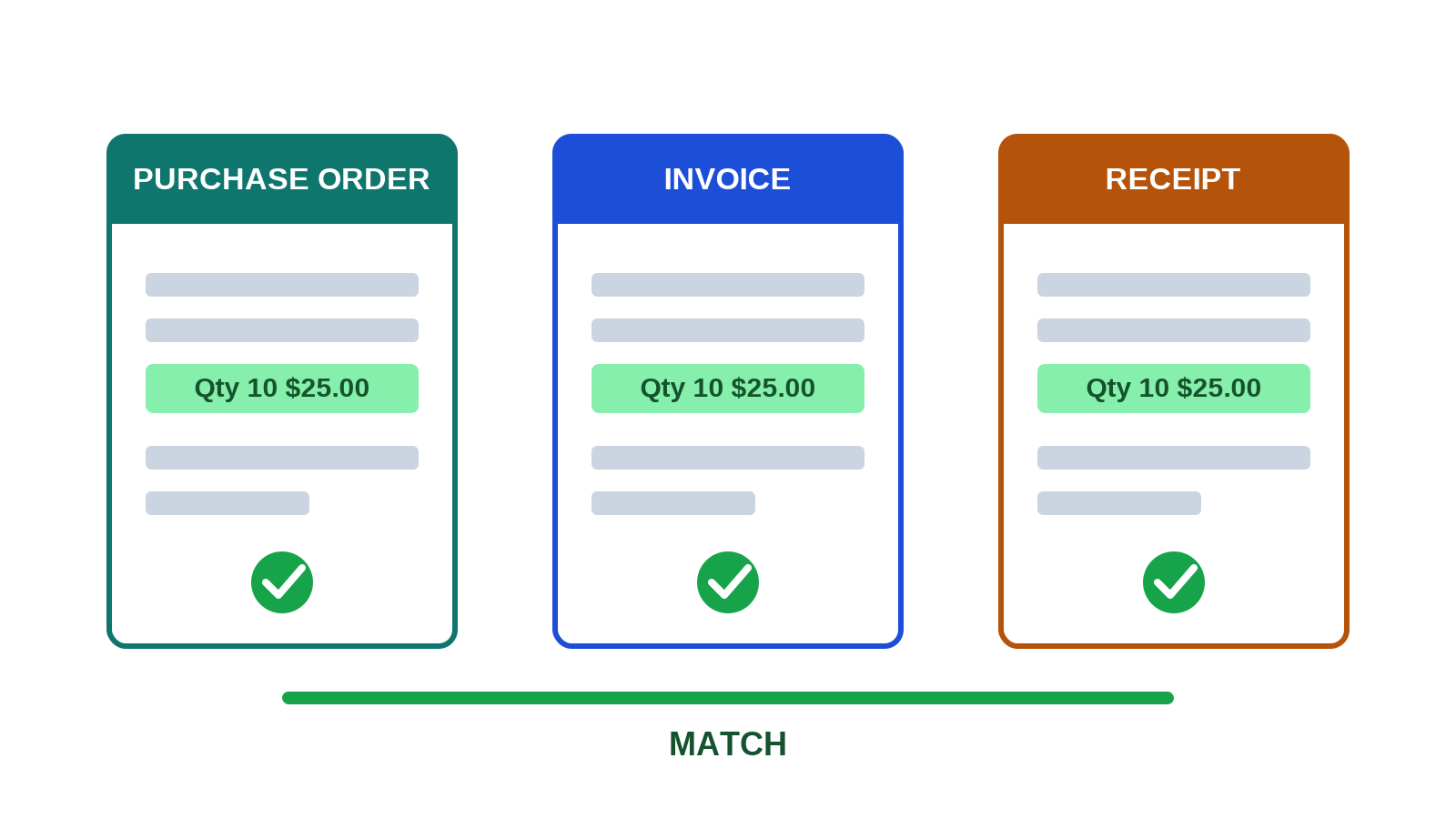
An invoice arrives for ten boxes, but only eight reached the store room. Finance must decide whether to pay for ten, eight, or nothing yet.
This is the job purchase order matching automation does line by line. It compares what was ordered, what arrived, and what was billed.
This guide is for SME finance teams matching orders, invoices and receipts, and for the buyers and receivers who feed them the records. The direct answer is this: let rules clear the clean matches, and send only the exceptions to a person who can fix them.
What three-way matching actually checks
The purchase order is the agreement. It records the supplier, the items, the quantities, and the prices the buyer agreed before anything was sent.
The receipt is the proof of arrival. The receiving team records what came in, how much, and whether anything was short or damaged.
The invoice is the request for payment. It states what the supplier believes was delivered and what the business owes for it.
A three-way match checks all three together. The invoice price is checked against the order price, and the invoiced quantity against the quantity received.
Check line by line, not by total alone. A correct total can still hide a wrong item, a short delivery, or a price changed on one line.
Clean document capture helps here. See our guide to AI document processing for small business, which covers turning supplier papers into records you can check.
How purchase order matching automation lets the rules decide
Rules do the routine work. When every line agrees within the set tolerance, the invoice can move to approval without a person reading it.
When a line falls outside tolerance, the rules hold it. Nothing is paid, and the invoice waits in a queue with the reason attached.
Rules are set by the finance team, not by the software. The team decides what counts as close enough, and the system applies that decision the same way each time.
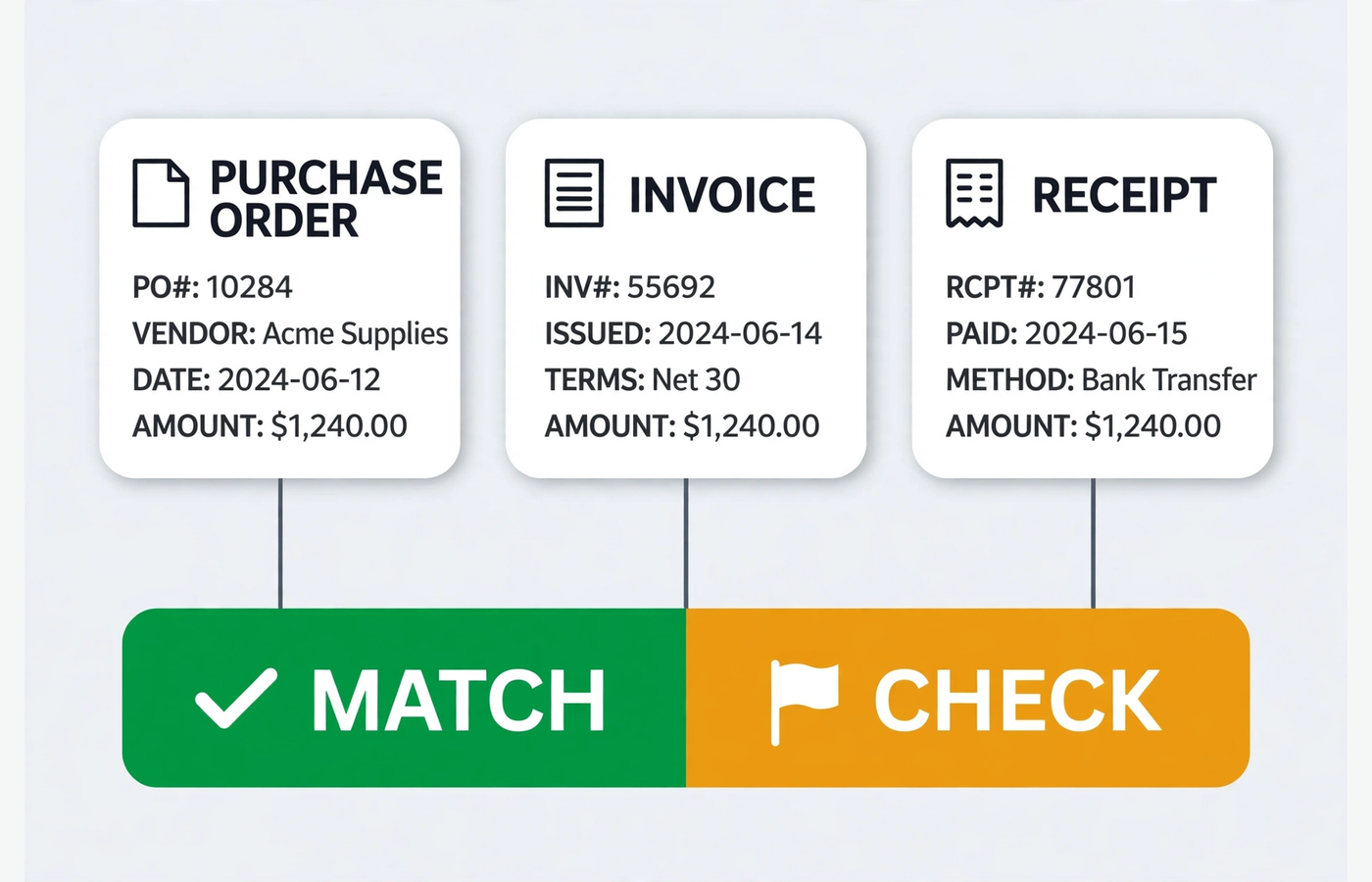
Three-way matching in one view: the purchase order, invoice, and receipt agree, or the invoice is flagged for a person to check.
Keep the rules visible to the team. Anyone who handles an exception should be able to see which rule held the invoice and why.
Set tolerances before you switch it on
A tolerance is the difference you accept without review. Set one for price and one for quantity, and set them per item group where prices move often.
Keep tolerances tight on high value lines. A small gap on a costly item matters more than the same gap on a low value consumable.
Treat tax and charges apart from the price check. An illustrative example: a team can allow a small rounding difference on tax while keeping the item price strict.
Review tolerances on a fixed schedule. Prices change, suppliers change, and a tolerance that made sense last year may now let errors through.
Exceptions go to a person, with a reason attached
Most exceptions have an ordinary cause. A price changed without a PO update, a delivery split across two days, or a receipt that was never posted.
- Price above the order. The buyer checks the agreed price or asks the supplier for a corrected invoice.
- Billed more than received. Receiving confirms the count, and finance waits for the rest or asks for a credit note.
- No receipt at all. Receiving posts the receipt or confirms that nothing arrived yet.
- Lines do not pair up. Finance or the buyer maps the item codes, then records the supplier code for next time.
- Charges not on the order. The buyer approves or disputes the freight or handling charge.
Route each exception to the person who can fix it. A price question goes to the buyer, a quantity question goes to receiving, and a supplier record question goes to finance.
Record the fix with the invoice. Who decided, what changed, and when, so the next person can see why the hold was released.
What AI adds, and what it must not decide
AI helps with the reading. It can pull the same field from different supplier layouts, such as unit price written as rate per unit, and pair lines that use different item codes.
AI can also sort the exceptions. It can flag a likely duplicate invoice, a missing receipt, or a price gap, so the reviewer starts with a reason, not a blank page.
AI must not approve a mismatch on its own. It must not change an order price, release a held invoice, or authorise payment without a person.
Routing and approvals fit around the match. See our guide to AI workflow automation for small business for how a checked invoice moves to the right approver.
A short checklist before you go live
- PO number on every invoice. Invoices without a PO reference cannot be matched, so they need a separate route.
- Receipts posted on arrival. A late receipt holds good invoices, so record the delivery on the day it lands.
- Tolerances written down. Price and quantity tolerances are agreed and recorded before the first live match.
- Exception owners named. Each exception type has one named owner, buyer, receiving, or finance.
- Partial deliveries tracked. Only the quantity received can be billed now, and the rest is matched when it arrives.
- Audit trail kept. Every match, hold, and release is recorded with the rule applied and the person who decided.
Frequently asked questions
Is three-way matching right for every purchase? No. Two-way matching compares only the order and the invoice, so it suits services or low value items with nothing to receive.
What happens when the documents do not agree? It stays on hold with the reason attached. The named owner checks it, and the invoice moves only when the difference is resolved.
Do we need to match every supplier at once? Start with one supplier or one item group. When the match and the exception queue work there, add the next group.
A practical takeaway
A good match is a quiet one. Clean orders, receipts posted on arrival, and clear tolerances let most invoices pass without a touch.
Start with one supplier or one item group. When purchase order matching automation clears the clean matches there, widen it one group at a time. If you want a matching workflow built around your orders, receipts, and approval rules, talk to DevxerTech AI services about a setup that fits the way you work.

